 $1 / employee / month
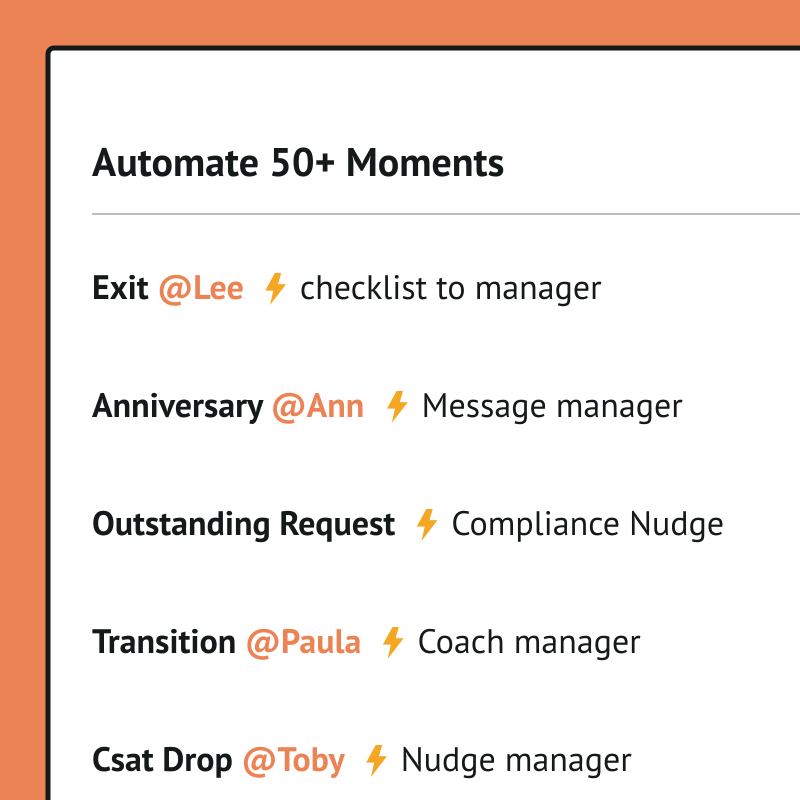
Automated Moments Using Webhooks
Every moment that matters, handled with care and never missed.
Top brands trust Pyn



Pyn helps people teams deliver a consistent employee experience across the whole lifecycle, not just onboarding. Every moment that matters, from promotions and work anniversaries to parental leave and bereavement, gets handled with care and on time, so nothing important is ever missed.
Because Pyn connects to Webhooks, any moment in the employee journey can fire a workflow — and any workflow can fire back into Pyn. From there every message is personalized by role, team, and location, delivered where people already work — and nothing slips.
Instead of guessing where to focus, teams turn experience design into action and let it run automatically. The result is employees who feel supported at the right moments, and a team freed to work strategically.
Features Spotlight
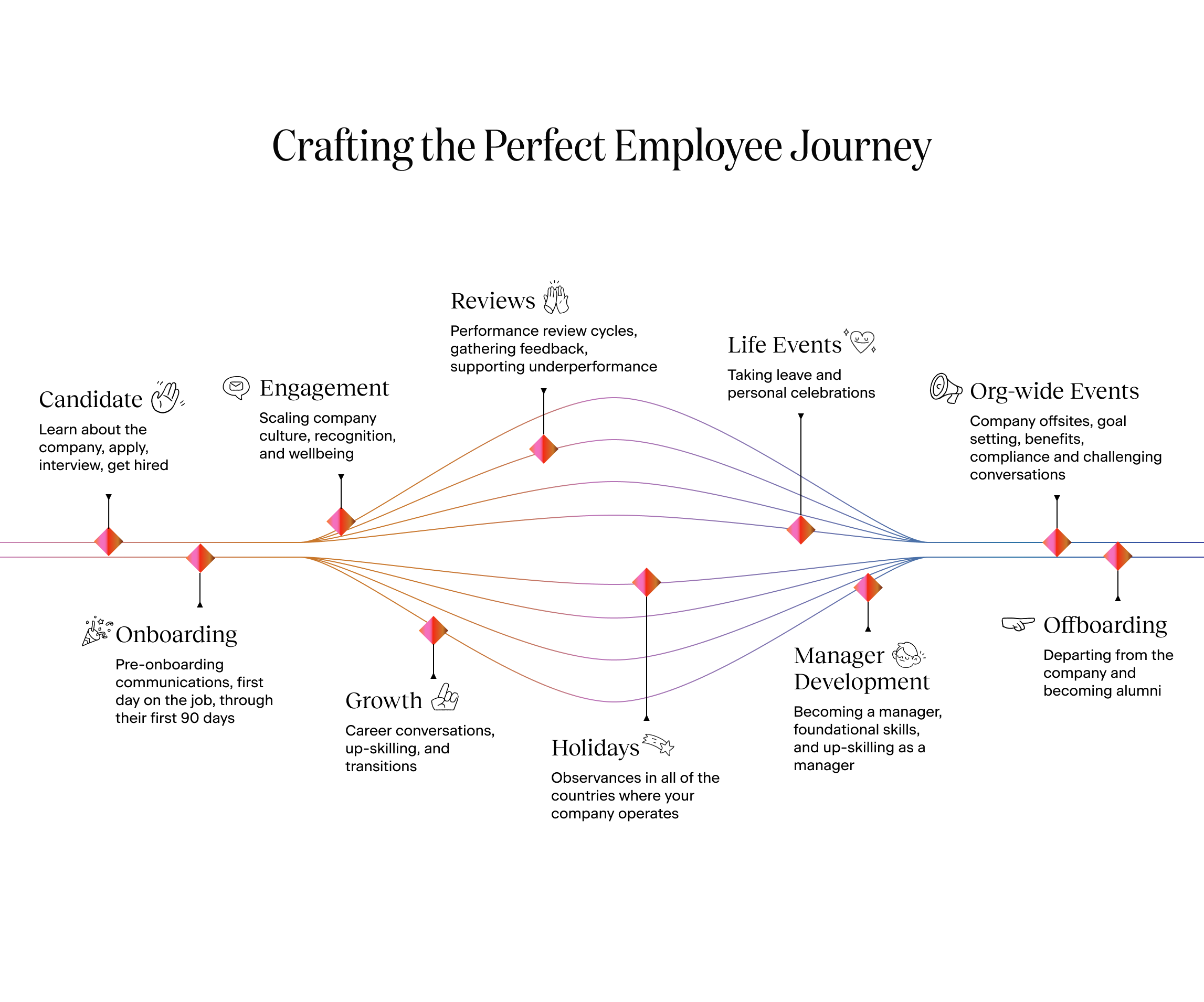
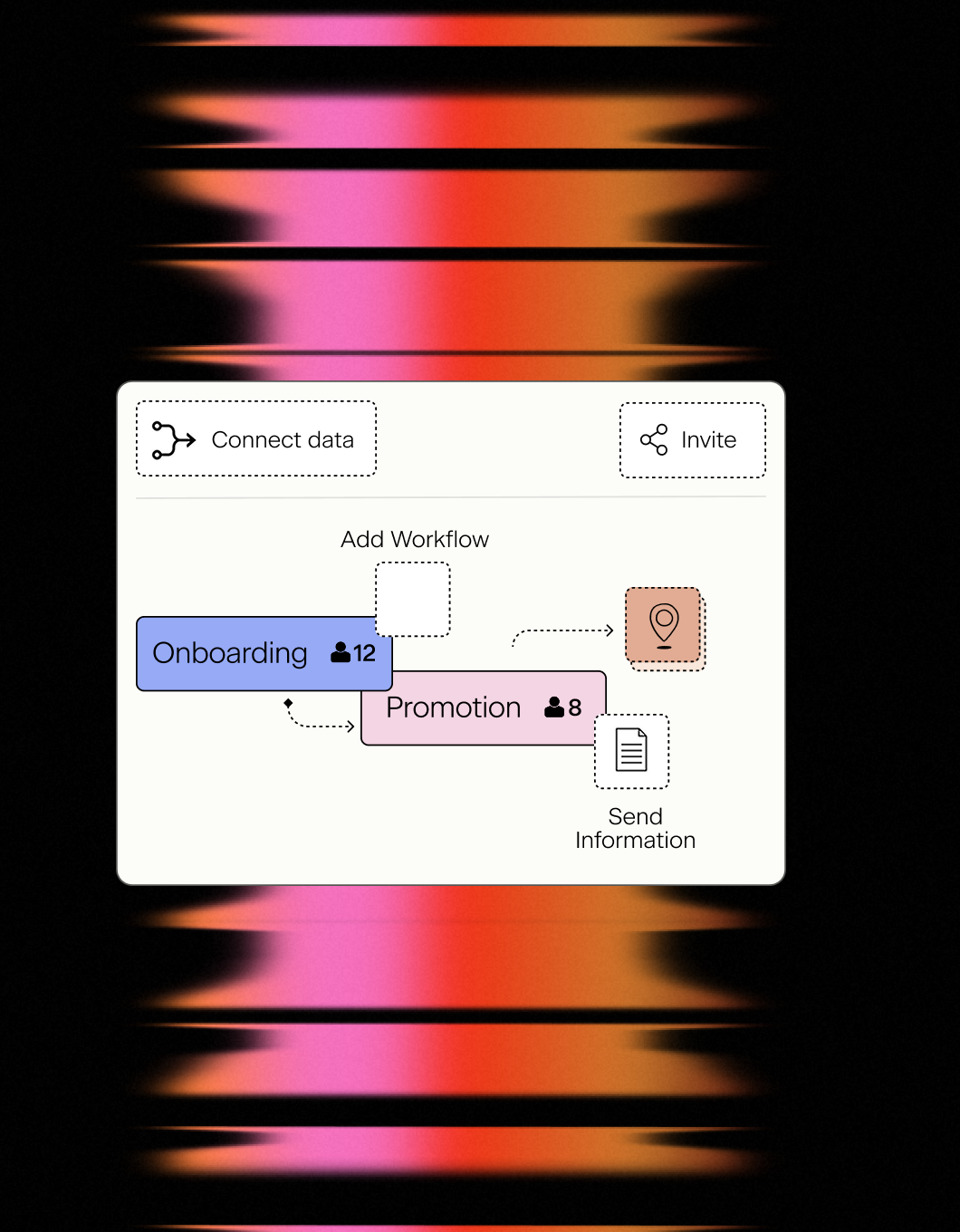
Turn Experience Design into Action
- Design all Moments in the Lifecycle
- Track how many people are currently experiencing a moment
- Turn on workflows and communications
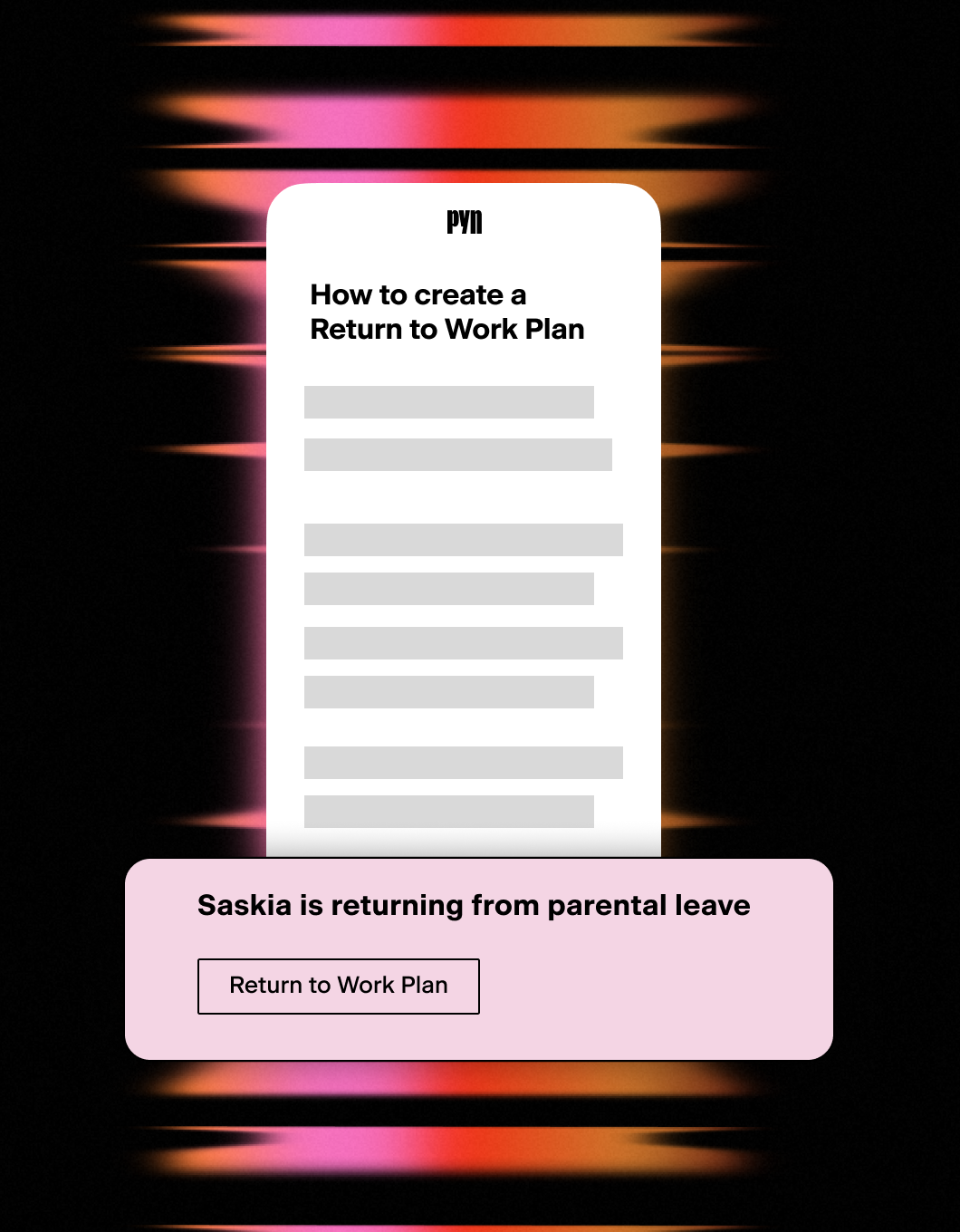
Handle personal events with care
- Parental leave support
- Milestones celebrations and promotions
- Bereavement and other challenging events
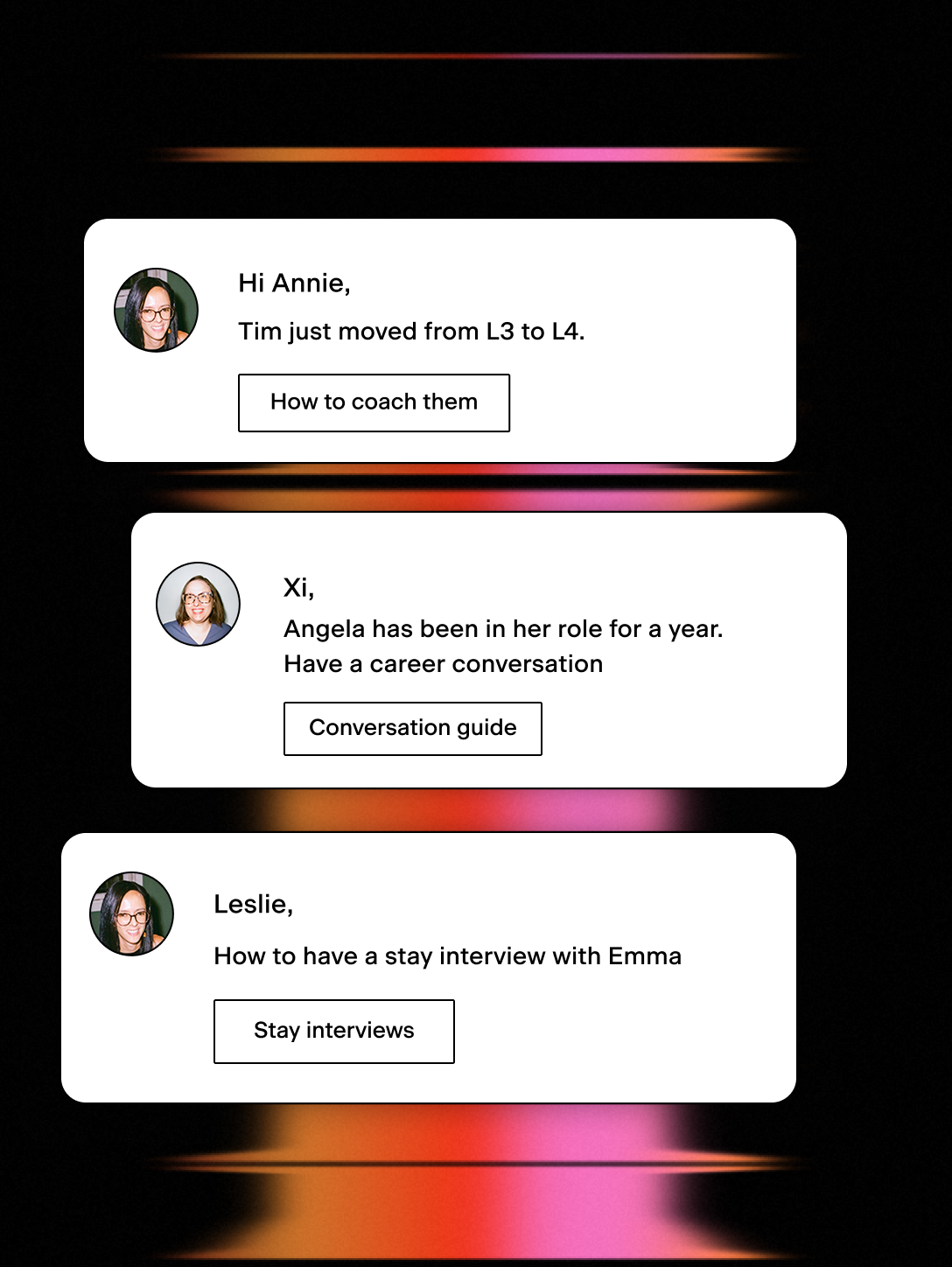
Timely nudges for better coaching and growth
- Timely nudges to have growth conversations and stay interviews
- Inform people about role level changes and growth opportunities
One event out, and the rest is up to you.
Every significant moment in the employee lifecycle is a signal — someone joins, gets promoted, changes teams, goes on leave, or leaves. Webhooks let Pyn send that signal anywhere. Whenever Pyn detects a key event, it can fire a webhook carrying the employee’s data, ready to drive whatever comes next.
This is the mechanism underneath every automation connector Pyn offers — and the one that lets you extend Pyn to systems it doesn’t integrate with directly.
What it does
Pyn can send an outbound webhook as a step inside any Flow. That request carries employee data tokens — the employee’s name, role, team, start date, and any other relevant details — as a payload the receiving system can act on.
Because it’s a standard webhook, it can go anywhere that accepts one: an automation platform, an internal service, or code your own team maintains. Pyn provides the trigger and the data; the receiving system decides what to do.
What you can automate
Onboarding provisioning — When a new hire is enrolled, Pyn can fire a webhook to create accounts, order equipment, or add the employee to the right systems — with their name, start date, and job title already in the payload. The process starts without anyone in HR kicking it off.
Offboarding and access revocation — When a departure is recorded in your HRIS, Pyn can fire a webhook to revoke access, archive accounts, or notify the right teams. The same consistent process every time — no chasing, no gaps.
Role changes and permission updates — A promotion or team transfer often means a change downstream. Pyn can fire a webhook the moment a role change is recorded, so the right systems update without HR having to flag it separately.
Anything your systems can handle — A webhook can reach an automation platform or an internal service you built yourself. If it can receive an HTTP request, any lifecycle moment in Pyn can drive it.
How to connect
Do I need a developer to use webhooks?
For a no-code path, point the webhook at an automation platform and build the rest there. To hit your own systems directly, you’ll want someone who can receive and handle the request on the other end.
FAQs
What triggers a webhook?
Any Pyn Flow can include a webhook step, so any lifecycle event you build a Flow around — onboarding, offboarding, role transitions, parental leave, anniversaries, and more — can fire one.
What’s in the payload?
Employee data tokens pulled from your connected HRIS: the employee’s name, start date, job title, team, and more — as long as that data exists in your HRIS or ATS.
Can I fire multiple webhooks from a single Flow?
Yes. You can add multiple webhook steps to a single Flow, each pointing at a different destination. One enrollment can drive automations across several systems simultaneously.
What can receive a Pyn webhook?
Anything that accepts an HTTP request. That includes automation platforms like Zapier, n8n, and AutomateNow, as well as your own internal systems.
Does Pyn also integrate with other tools in my employee journey?
Yes. Most teams pair webhooks with their HRIS connection — which provides the employee data that determines when Flows trigger — and their Slack or Microsoft Teams connection for message delivery.
Your HR stack, with superpowers.
Pick the tools you need. Launch in a day. Cancel anytime.