 $1 / employee / month
Manager Nudges Using Microsoft Teams
Set every manager up to succeed, at every moment that matters.
Top brands trust Pyn




Pyn lets people teams scale manager development by delivering the right guidance automatically, so managers can support their teams better at the moments that count. Because learning arrives at the point of need, it sticks and gets applied, producing stronger, more consistent managers without anyone chasing each touchpoint.
Because Pyn connects to Microsoft Teams, every message arrives where your people already work, from a real person rather than a bot. From there every message is personalized by role, team, and location, delivered where people already work — and nothing slips.
The payoff is better-supported managers at no extra headcount. Timely nudges for 1:1s, career conversations, reviews, and leave transitions mean nothing slips, and the team sets it up once and trusts it to run.
Features Spotlight
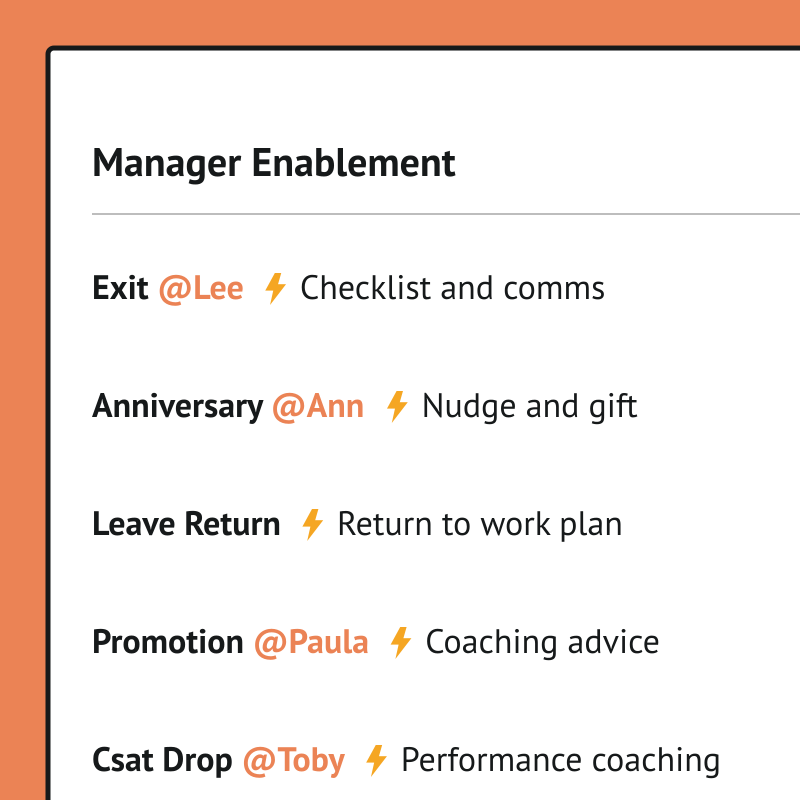
Track important team moments
- Empower managers to customize onboarding comms
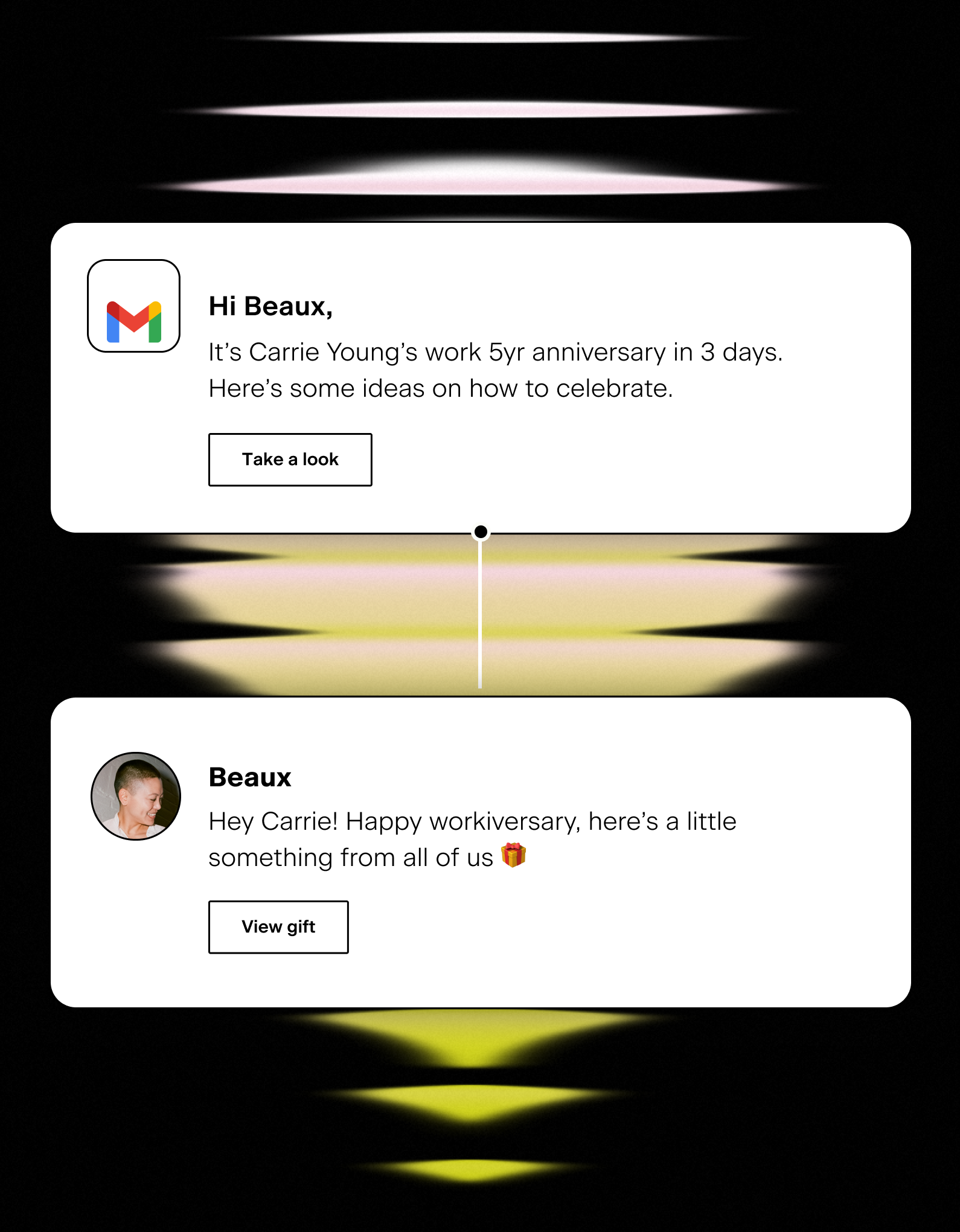
- Reminders for upcoming holidays, observances, birthdays and anniversaries
- Timely parental or medical leave instructions
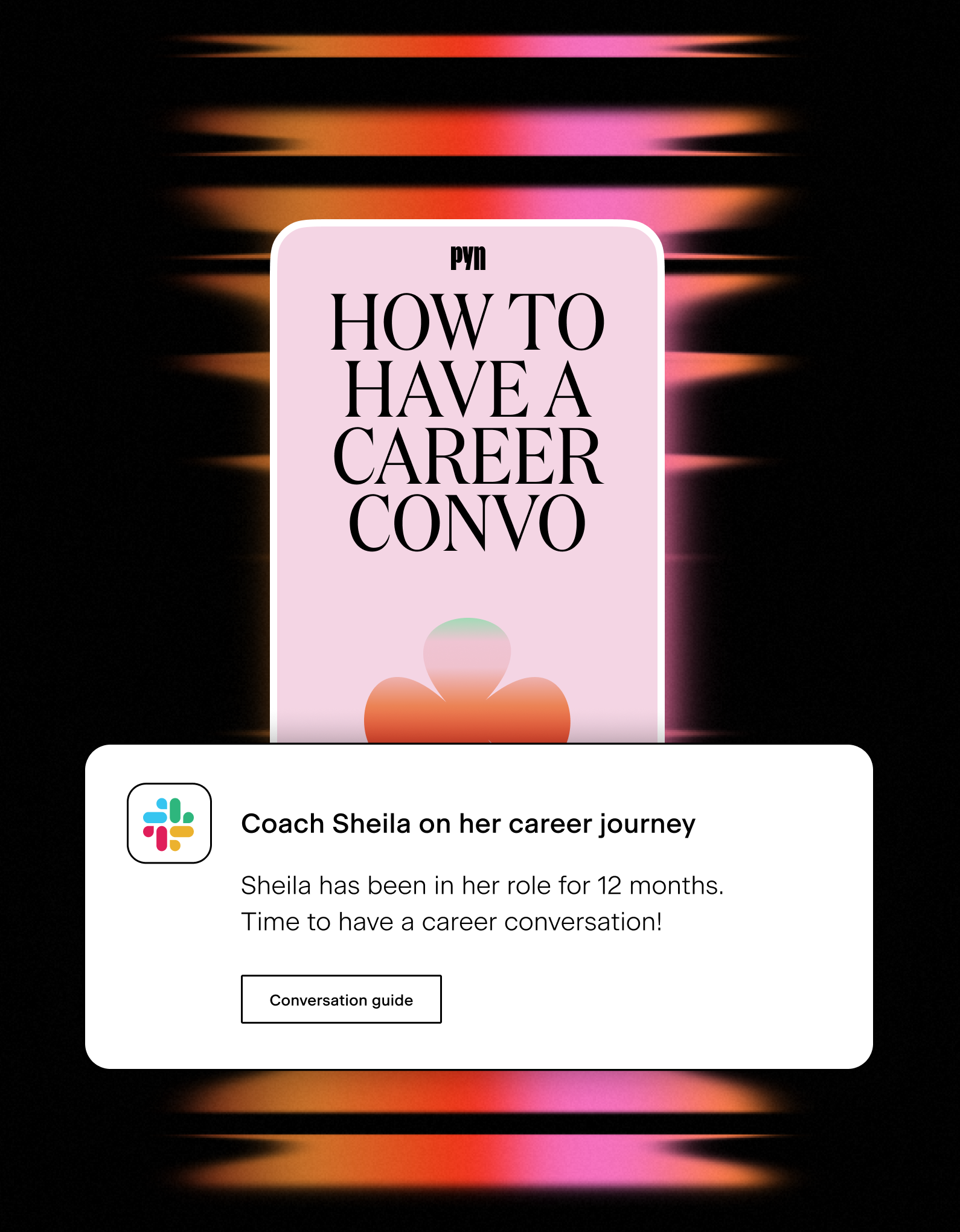
Help managers be great coaches
- Reminders for career conversations with direct reports
- Guidance through salary and performance review discussions
- Support transitions or level changes of team members
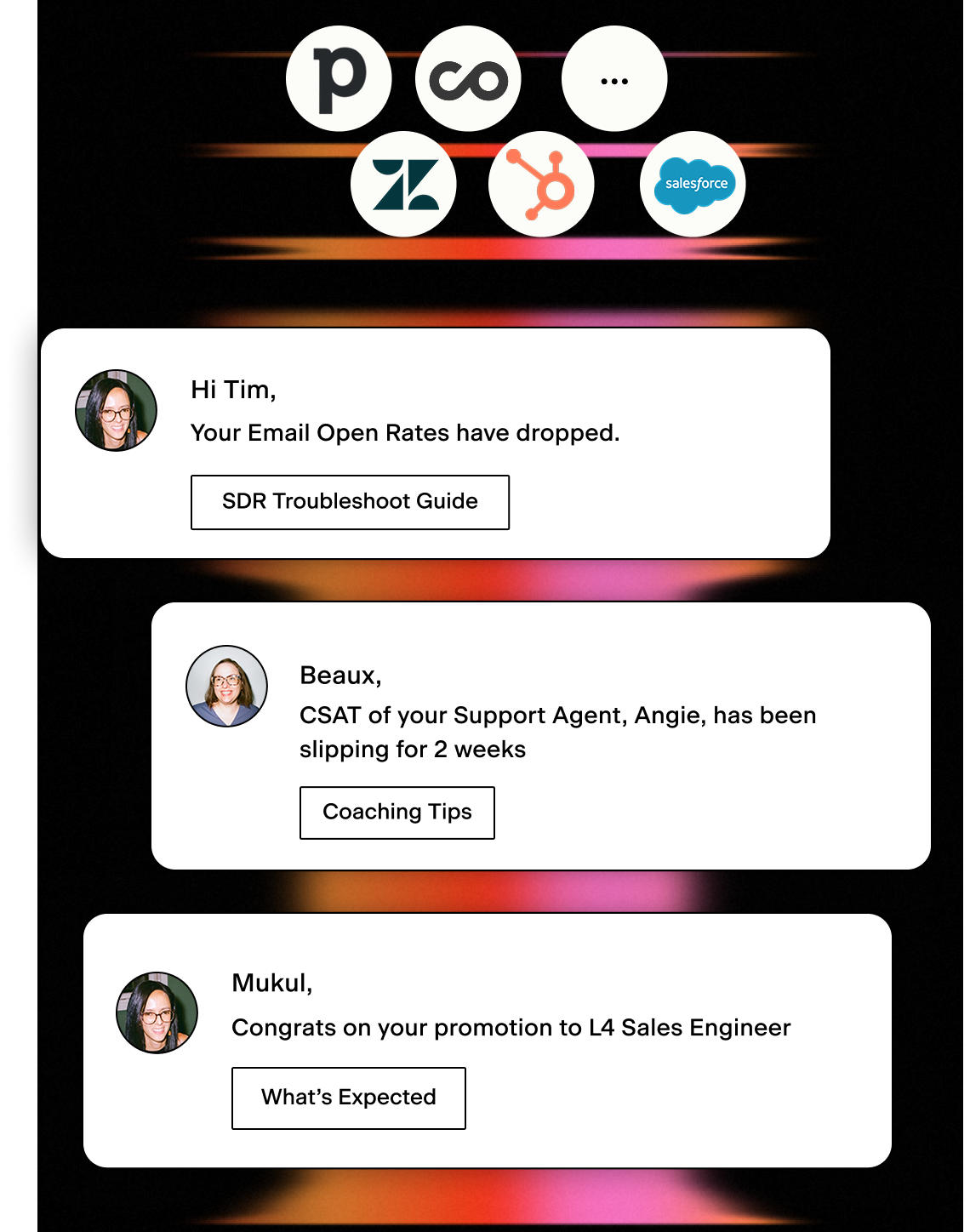
Act on critical performance data
- Identify early warning signs and proactively manage performance
- Prompt the right actions at the right time
- Integrate your Sales or Support Platforms
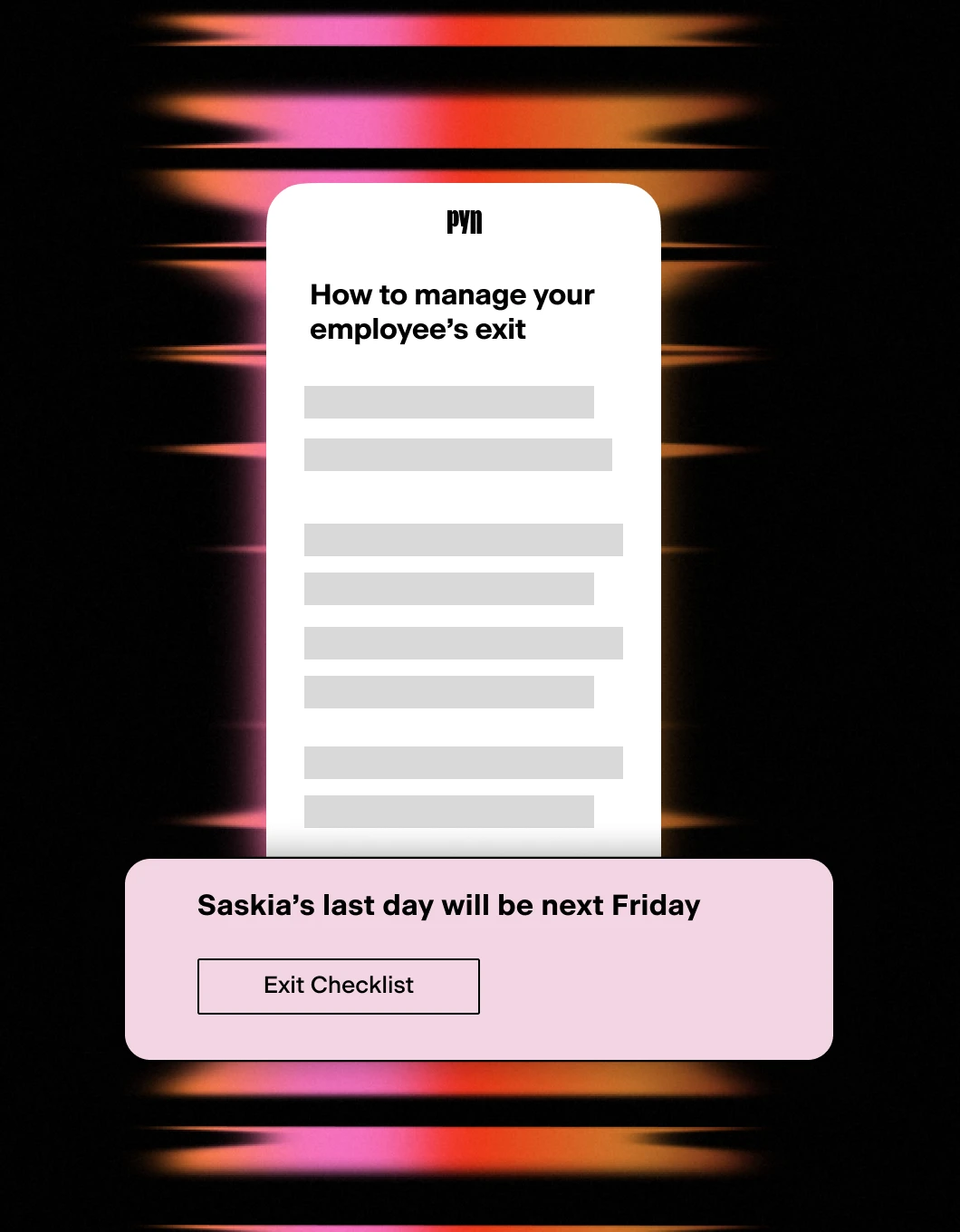
Exits and key transitions
- Support managers through challenging moments
- Drive consistency across employee exits
- Track compliance and handovers
Messages that land where your people already work
If your company runs on Microsoft, your employees are in Teams all day. That’s exactly where Pyn delivers. Employees read it because it looks like a message from their manager. They reply because they think it is. They never know it was automated.
Choose who the message comes from
Most tools send from a bot. Pyn gives you three ways to send through Teams, and each one changes how the message lands.
From you, personally. Connect your Teams account and Pyn sends as you: your name, your photo. The employee sees a chat from their manager or HR partner, not from a bot. If they reply, it comes back to you in Teams. This is the option that makes onboarding feel personal from day one.
From a team persona. Set up a sender like “People Ops,” “L&D Team,” or “Your HR Team” and messages come from a consistent, branded voice rather than one person. Great for policies, learning nudges, and moments that shouldn’t be attributed to any individual. Available on all paid plans.
From PynBot. For channel announcements, milestone celebrations, and moments where the broadcast format fits. PynBot can be renamed to match your company. Most employees never know it’s Pyn.
DMs and channels
Pyn can send to Teams channels as well as individual chats. Use it for team welcome announcements when someone new joins, manager check-in prompts posted to a shared channel, or company-wide moments like work anniversaries and milestone celebrations.
The right message finds the right place.
Built for moments that actually need a response
Some HR communications need to be acknowledged, not just read. Pyn handles that too.
Add a button to any Teams message (“Confirm,” “I’ve read this,” “Accept”) and Pyn tracks who’s clicked. If someone hasn’t responded after a set number of days, Pyn sends an automatic reminder. Same message, “Reminder” heading, same timing of day.
You can see response rates across your whole team from inside Pyn. Useful for onboarding tasks, policy acknowledgements, and anything where you need to know it landed.
How to connect
Does my IT team need to approve Pyn in Teams?
Yes. A Teams Administrator needs to add the Pyn app from the Teams Apps panel before the integration is active. Once approved, Pyn admins complete the setup inside Pyn. No ongoing IT involvement needed.
FAQs
Can employees reply to Pyn messages?
Yes, if you’re using a personal or service account sender. Replies come directly back to that Teams account.
Can I send to Teams channels, not just direct chats?
Yes. Pyn can deliver to any Teams channel that PynBot or your sender account has been added to.
Does Pyn work for onboarding or the full lifecycle?
Both. Pyn covers the full employee lifecycle: pre-boarding through offboarding. Teams is just one of the delivery channels. You can mix Teams and email in the same journey.
Does Pyn also work with Slack?
Yes. Pyn supports Slack, Microsoft Teams, and email. You can use one or combine them — whatever matches how your people work.
Is Pyn secure?
Pyn is SOC 2 compliant. It only accesses what it needs to match users and send messages. Nothing more.
Your HR stack, with superpowers.
Pick the tools you need. Launch in a day. Cancel anytime.