 $1 / employee / month
New Manager Program Using Microsoft SSO
Turn every promotion into a structured path to great management.
Top brands trust Pyn





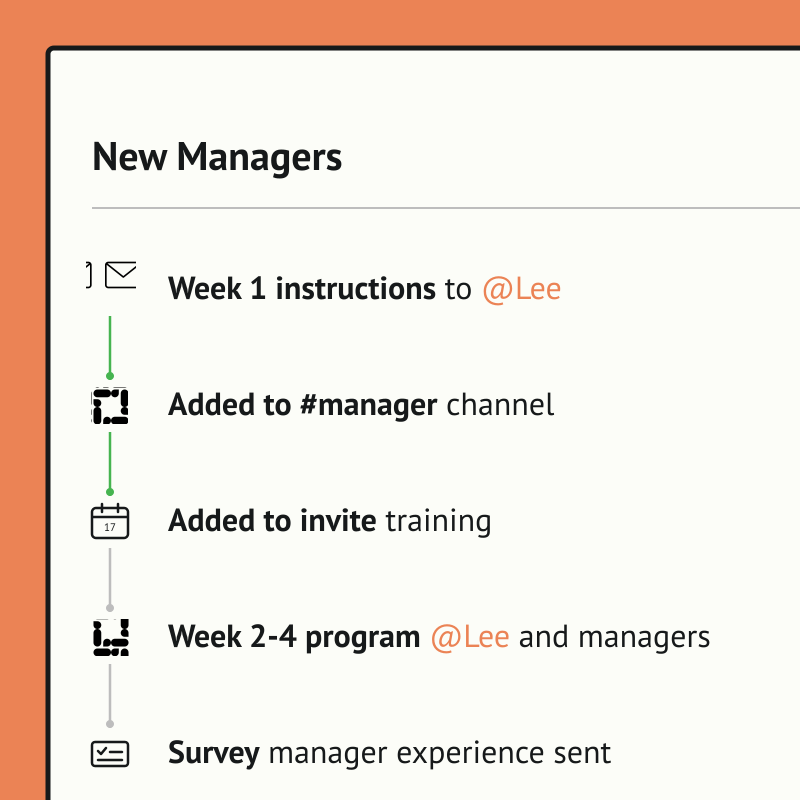
Pyn lets people teams run a full new manager program that kicks off automatically the moment someone is promoted. Key training content is delivered over time, from the first 1:1 with reports to giving feedback and building coaching skills, so new managers get real development instead of a welcome email and good luck.
Because Pyn connects to Microsoft SSO, people reach Pyn through the same directory IT already trusts — no separate accounts to hand out or clean up. From there every message is personalized by role, team, and location, delivered where people already work — and nothing slips.
Pyn also handles everything around it: adding them to the right Slack or Teams channel, sending a manager training invite, running a quick poll on how the transition is going, or enrolling them in an LMS course. Set it once, and every new manager gets a consistent start.
Features Spotlight
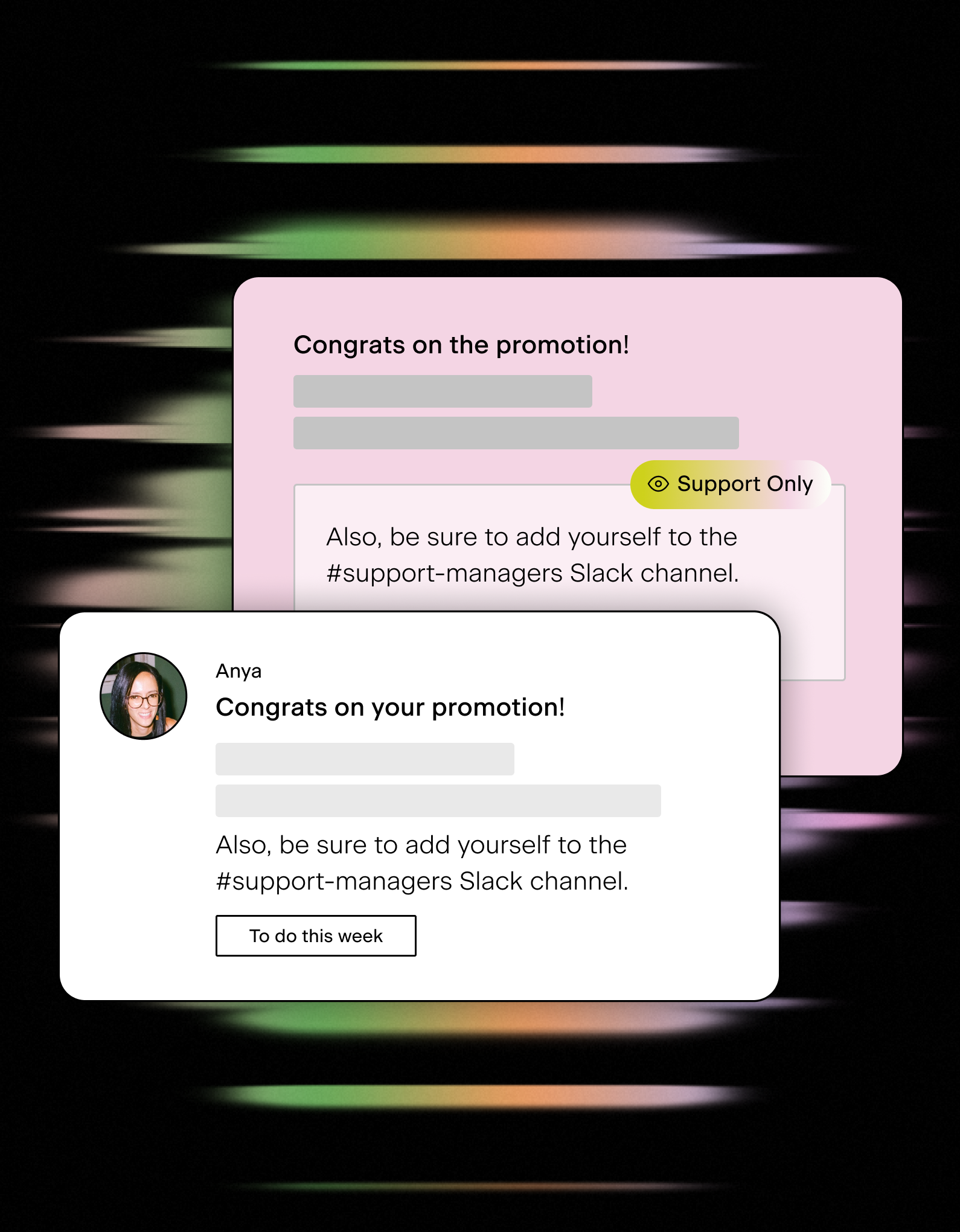
Always-on manager training and support
- Trigger immediate guidance upon promotion
- Automate comms for high impact moments like a first 1:1 meeting, salary reviews, and more
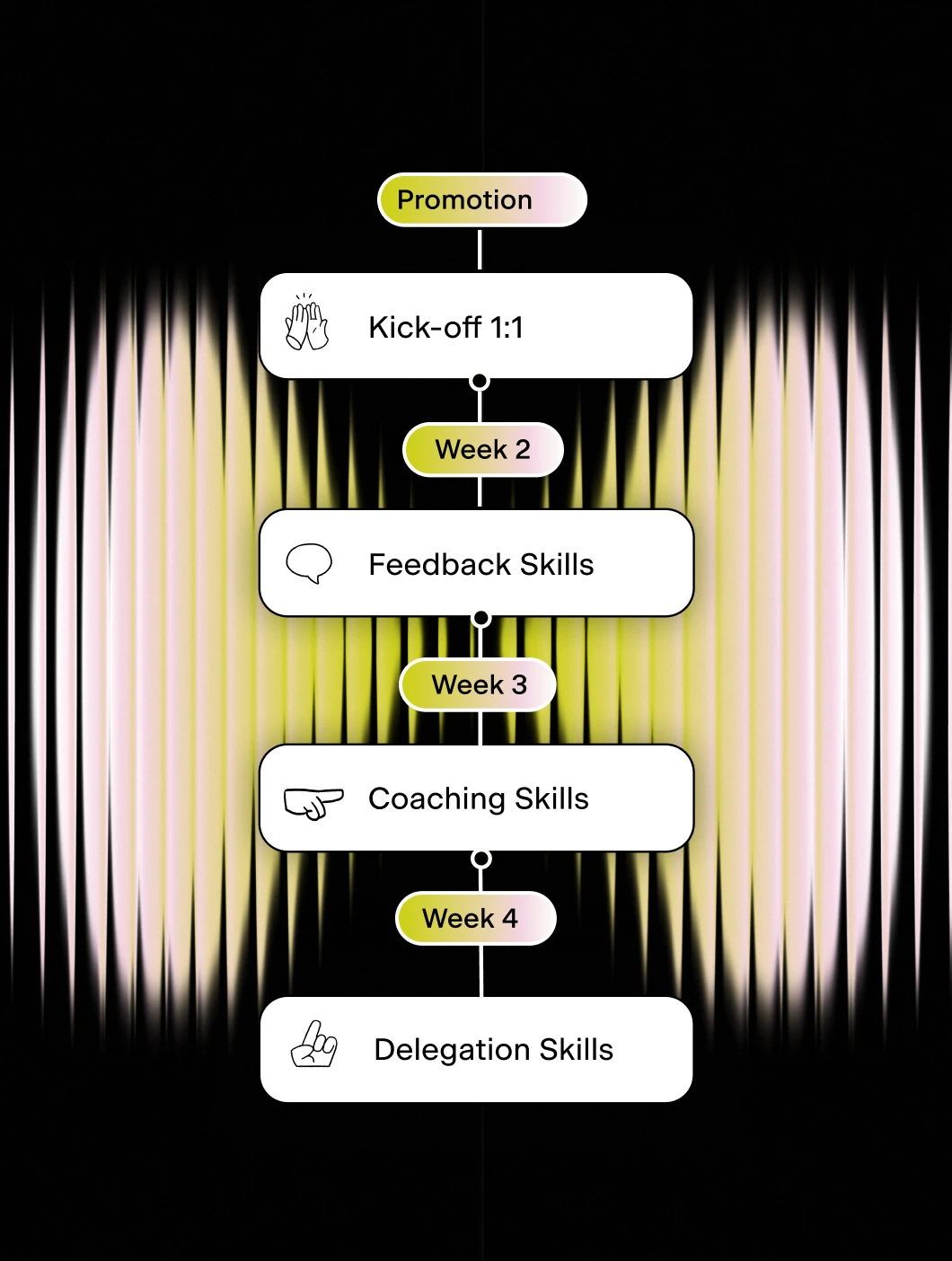
Design multi-week new manager journey
- Deliver timely micro-learning
- Reinforce learning through senior leaders
- Leverage proven Pyn content
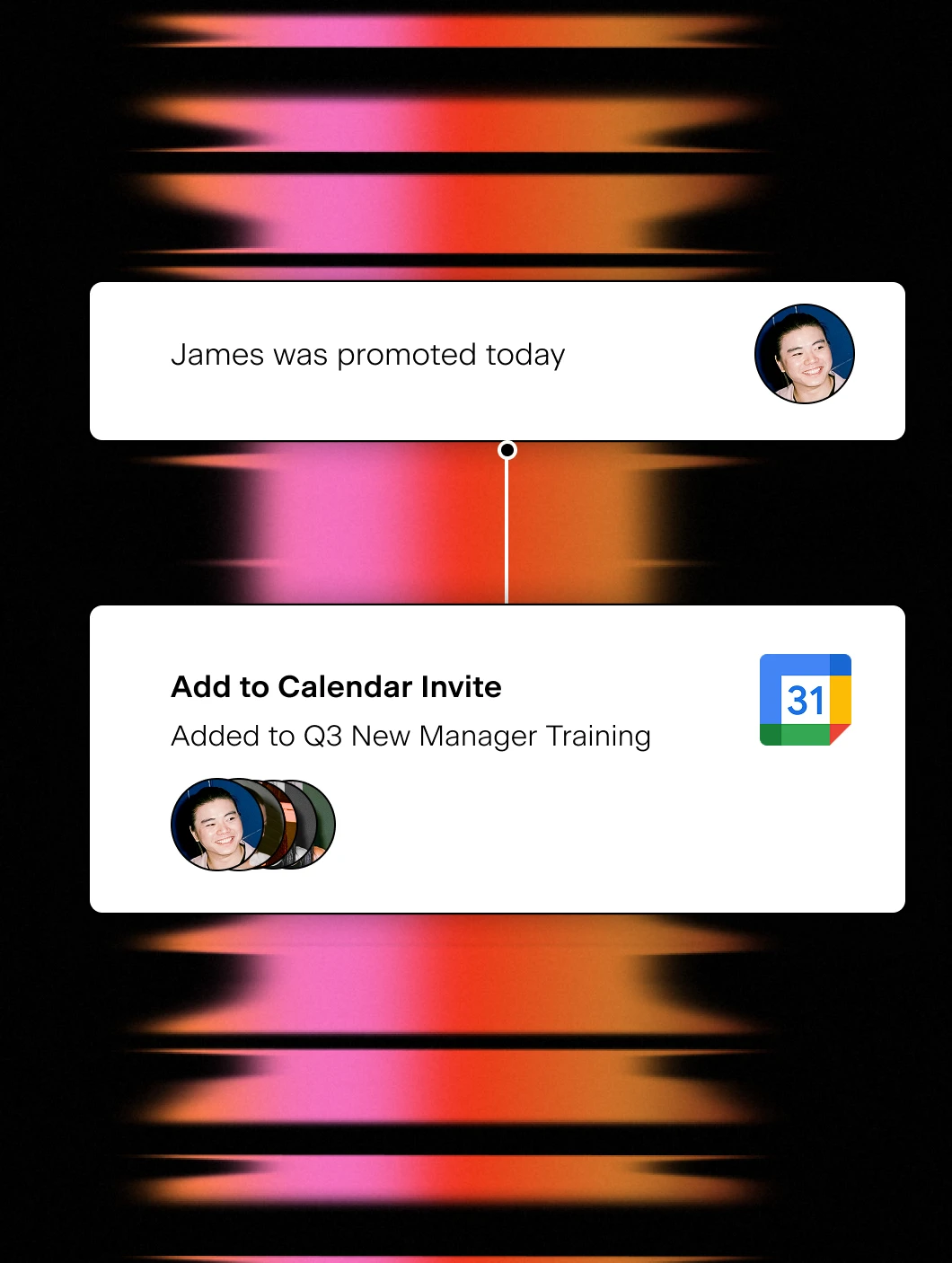
Add to new training invite
- Auto-add new managers to calendar invites
- Easy management of cohorts or classes
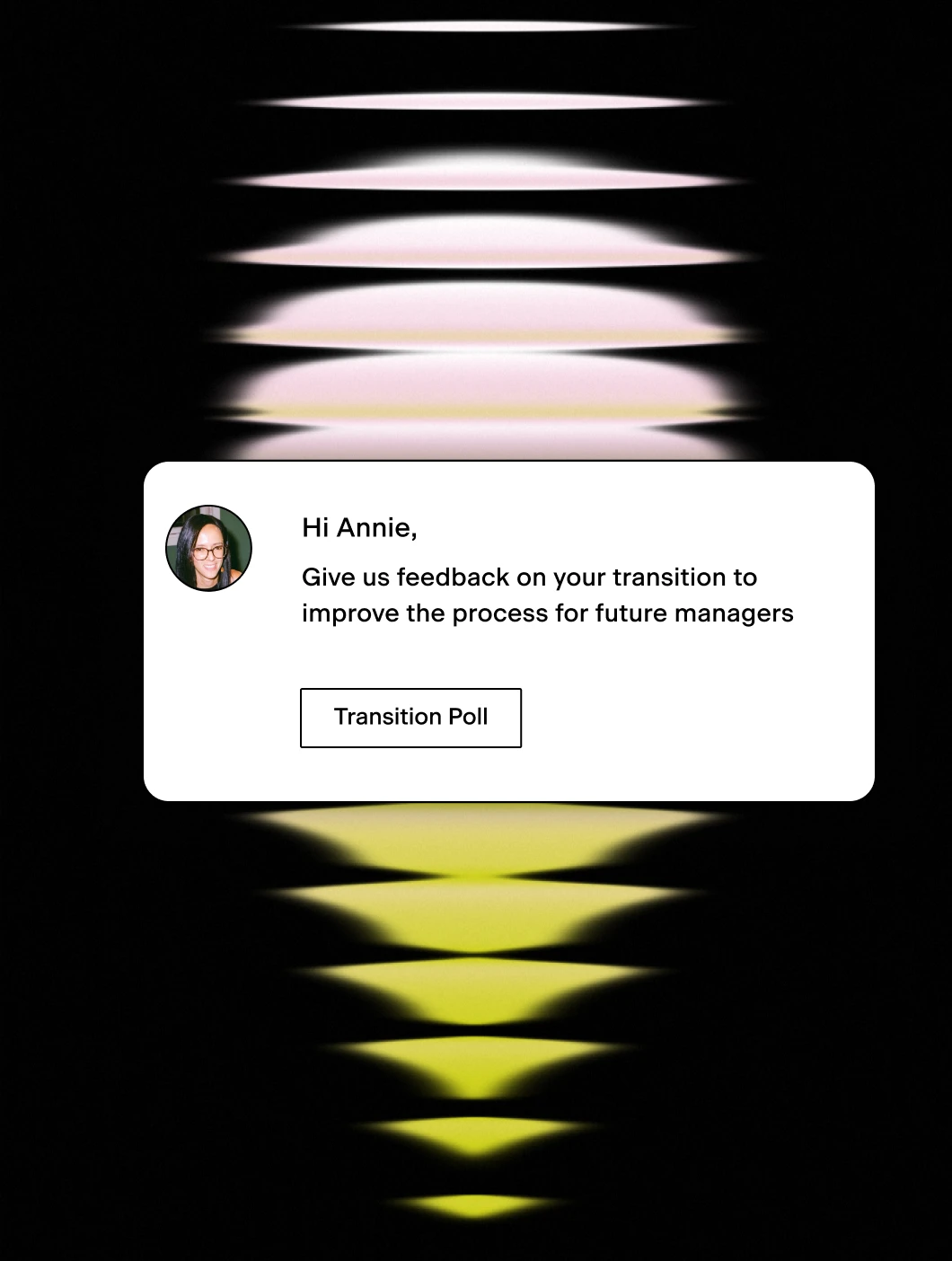
Improve programs with polls
- Ask about the experience
- Make program changes
Sign into Pyn with Microsoft
Pyn supports single sign-on via Microsoft Azure Active Directory (also referred to as Azure AD or your AD account). Employees use the Microsoft credentials they already have. No separate password to create or remember.
How to connect
Does IT need to do anything for Microsoft sign-in to work?
Yes, once. An IT admin needs to log into Pyn via Microsoft and approve org-wide access. If your organization restricts app access, IT may need to allowlist the Pyn login URL first. After that, no ongoing IT involvement is required.
FAQs
Does Pyn support Microsoft Azure AD sign-in?
Yes. Employees can sign into Pyn using their existing Microsoft Azure AD (Active Directory) accounts.
Is Pyn secure?
Pyn is SOC 2 compliant. It only accesses what it needs to authenticate users. Nothing more.
Does Pyn also support Okta or Google sign-in?
Yes. Pyn supports sign-in via Okta, Google, and Microsoft. Use whichever matches how your organization manages identity.
Your HR stack, with superpowers.
Pick the tools you need. Launch in a day. Cancel anytime.