 $1 / employee / month
Manager Nudges Using Microsoft SSO
Set every manager up to succeed, at every moment that matters.
Top brands trust Pyn





Pyn lets people teams scale manager development by delivering the right guidance automatically, so managers can support their teams better at the moments that count. Because learning arrives at the point of need, it sticks and gets applied, producing stronger, more consistent managers without anyone chasing each touchpoint.
Because Pyn connects to Microsoft SSO, people reach Pyn through the same directory IT already trusts — no separate accounts to hand out or clean up. From there every message is personalized by role, team, and location, delivered where people already work — and nothing slips.
The payoff is better-supported managers at no extra headcount. Timely nudges for 1:1s, career conversations, reviews, and leave transitions mean nothing slips, and the team sets it up once and trusts it to run.
Features Spotlight
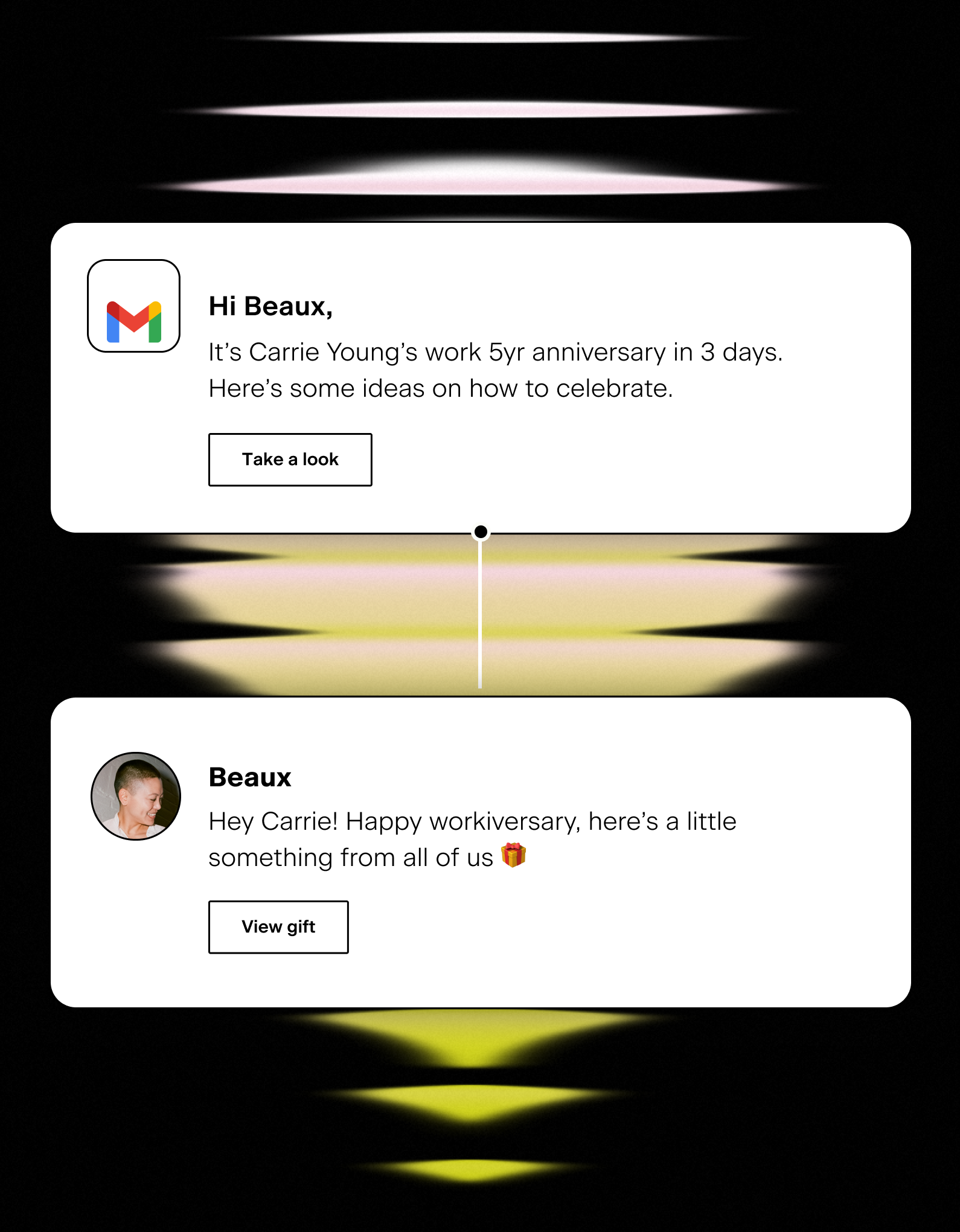
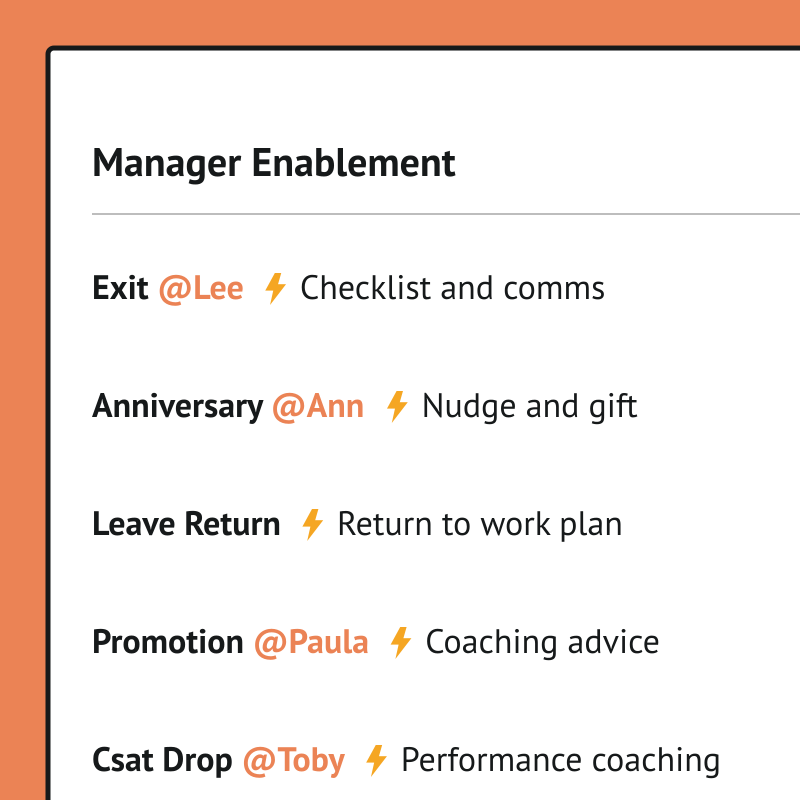
Track important team moments
- Empower managers to customize onboarding comms
- Reminders for upcoming holidays, observances, birthdays and anniversaries
- Timely parental or medical leave instructions

Help managers be great coaches
- Reminders for career conversations with direct reports
- Guidance through salary and performance review discussions
- Support transitions or level changes of team members
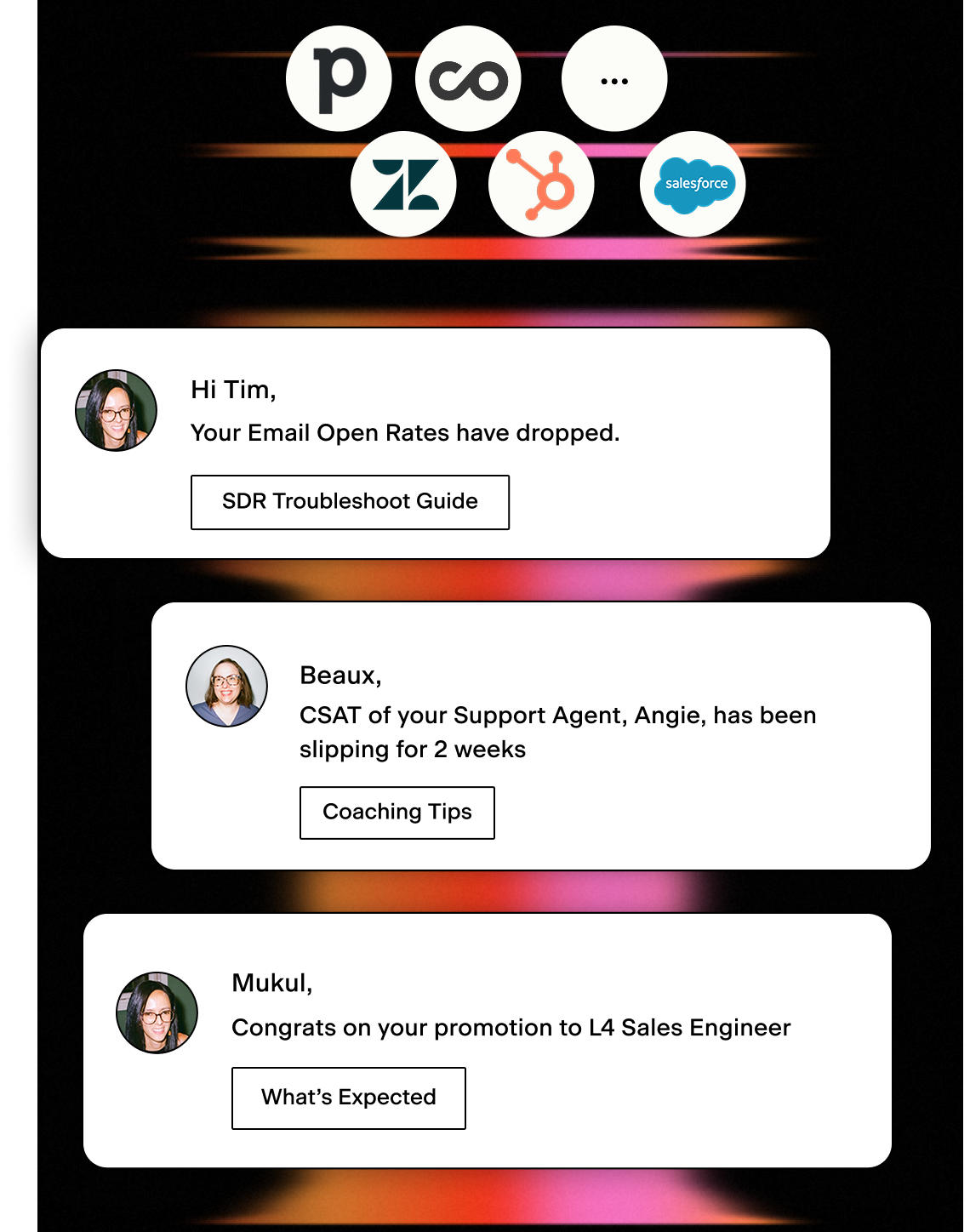
Act on critical performance data
- Identify early warning signs and proactively manage performance
- Prompt the right actions at the right time
- Integrate your Sales or Support Platforms
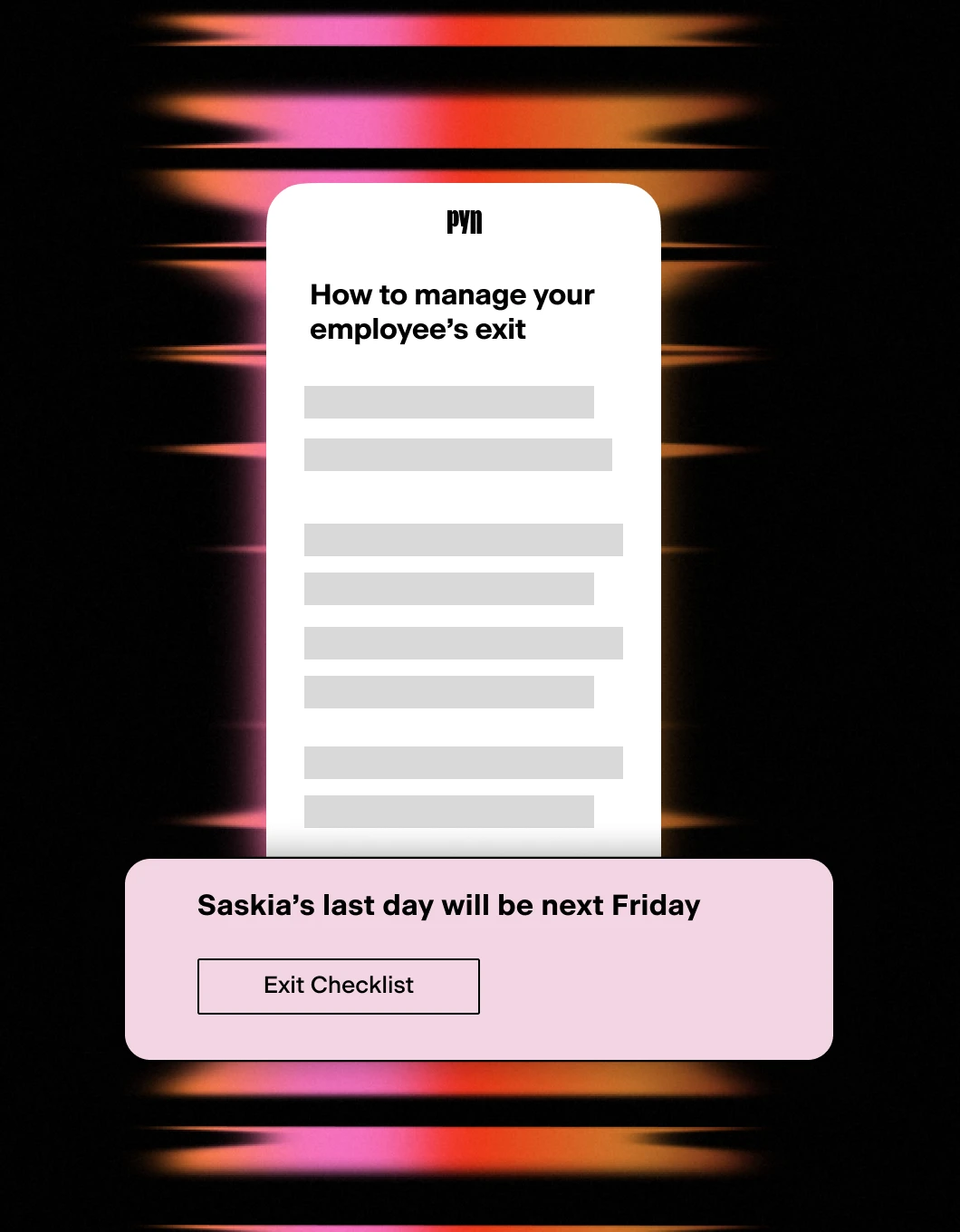
Exits and key transitions
- Support managers through challenging moments
- Drive consistency across employee exits
- Track compliance and handovers
Sign into Pyn with Microsoft
Pyn supports single sign-on via Microsoft Azure Active Directory (also referred to as Azure AD or your AD account). Employees use the Microsoft credentials they already have. No separate password to create or remember.
How to connect
Does IT need to do anything for Microsoft sign-in to work?
Yes, once. An IT admin needs to log into Pyn via Microsoft and approve org-wide access. If your organization restricts app access, IT may need to allowlist the Pyn login URL first. After that, no ongoing IT involvement is required.
FAQs
Does Pyn support Microsoft Azure AD sign-in?
Yes. Employees can sign into Pyn using their existing Microsoft Azure AD (Active Directory) accounts.
Is Pyn secure?
Pyn is SOC 2 compliant. It only accesses what it needs to authenticate users. Nothing more.
Does Pyn also support Okta or Google sign-in?
Yes. Pyn supports sign-in via Okta, Google, and Microsoft. Use whichever matches how your organization manages identity.
Your HR stack, with superpowers.
Pick the tools you need. Launch in a day. Cancel anytime.