 Free
FreeEmployee Journey Map for Microsoft SSO Teams
Map every moment that matters, together, without the sticky notes.
Top brands trust Pyn





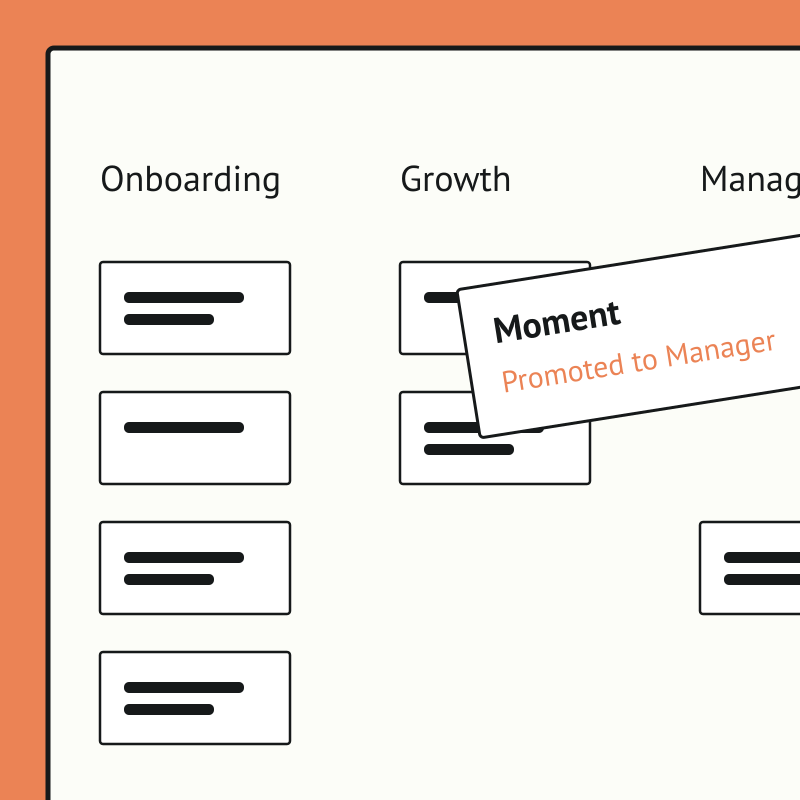
Pyn's free Employee Journey Designer turns a daunting, whiteboard-and-sticky-notes exercise into a fast, collaborative map of every moment that matters, from before day one to after the last day. Teams start from hundreds of ready-made moments and touchpoints rather than a blank page.
Employee Journey Map is free, and it runs standalone for now — you can start using it today by uploading your own people data. If there's enough interest we'll build a direct Microsoft SSO integration so it syncs automatically. Book a demo and we can cover it.
The payoff is clarity and alignment. People teams can see the whole experience, prioritize what to improve, assign owners, and get cross-functional buy-in, so effort goes where it lifts the experience most.
Sign into Pyn with Microsoft
Pyn supports single sign-on via Microsoft Azure Active Directory (also referred to as Azure AD or your AD account). Employees use the Microsoft credentials they already have. No separate password to create or remember.
How to connect
Does IT need to do anything for Microsoft sign-in to work?
Yes, once. An IT admin needs to log into Pyn via Microsoft and approve org-wide access. If your organization restricts app access, IT may need to allowlist the Pyn login URL first. After that, no ongoing IT involvement is required.
FAQs
Does Pyn support Microsoft Azure AD sign-in?
Yes. Employees can sign into Pyn using their existing Microsoft Azure AD (Active Directory) accounts.
Is Pyn secure?
Pyn is SOC 2 compliant. It only accesses what it needs to authenticate users. Nothing more.
Does Pyn also support Okta or Google sign-in?
Yes. Pyn supports sign-in via Okta, Google, and Microsoft. Use whichever matches how your organization manages identity.
Your HR stack, with superpowers.
Pick the tools you need. Launch in a day. Cancel anytime.