 $1 / employee / month
CRM Calendar for HR Using Microsoft SSO
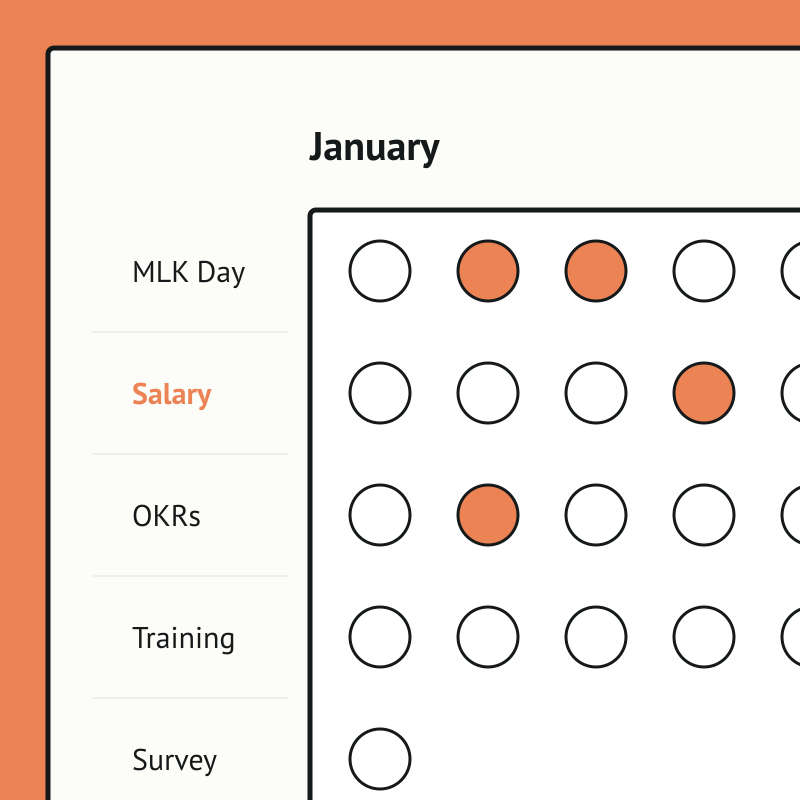
Plan a whole year of company comms on one calendar.
Top brands trust Pyn





Pyn gives people teams one calendar to plan and automate the whole year of company communications, from holidays and observances to key campaigns. Pre-built campaigns load ready-to-edit templates, so a year of thoughtful messaging is mapped out in minutes rather than pieced together ad hoc.
Because Pyn connects to Microsoft SSO, people reach Pyn through the same directory IT already trusts — no separate accounts to hand out or clean up. From there every message is personalized by role, team, and location, delivered where people already work — and nothing slips.
The payoff is confidence and consistency. Everything is scheduled to go out on time from the right sender to the right people, so nothing is forgotten and the team stops scrambling message by message.
Features Spotlight
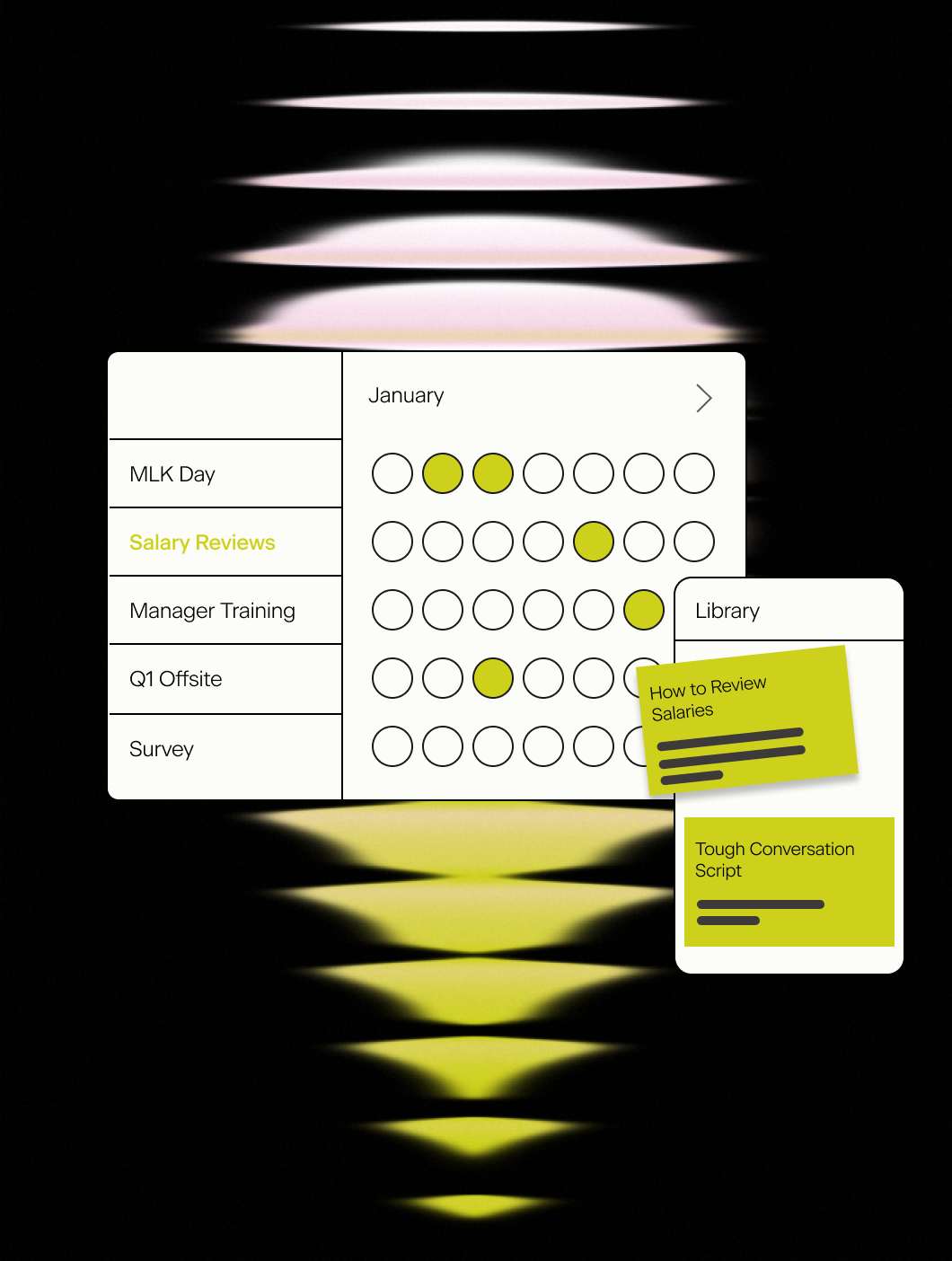
Communications planning done right
- Plan campaigns on your annual calendar
- Zoom in or out and drag and drop communications
- Templates for different countries and topics
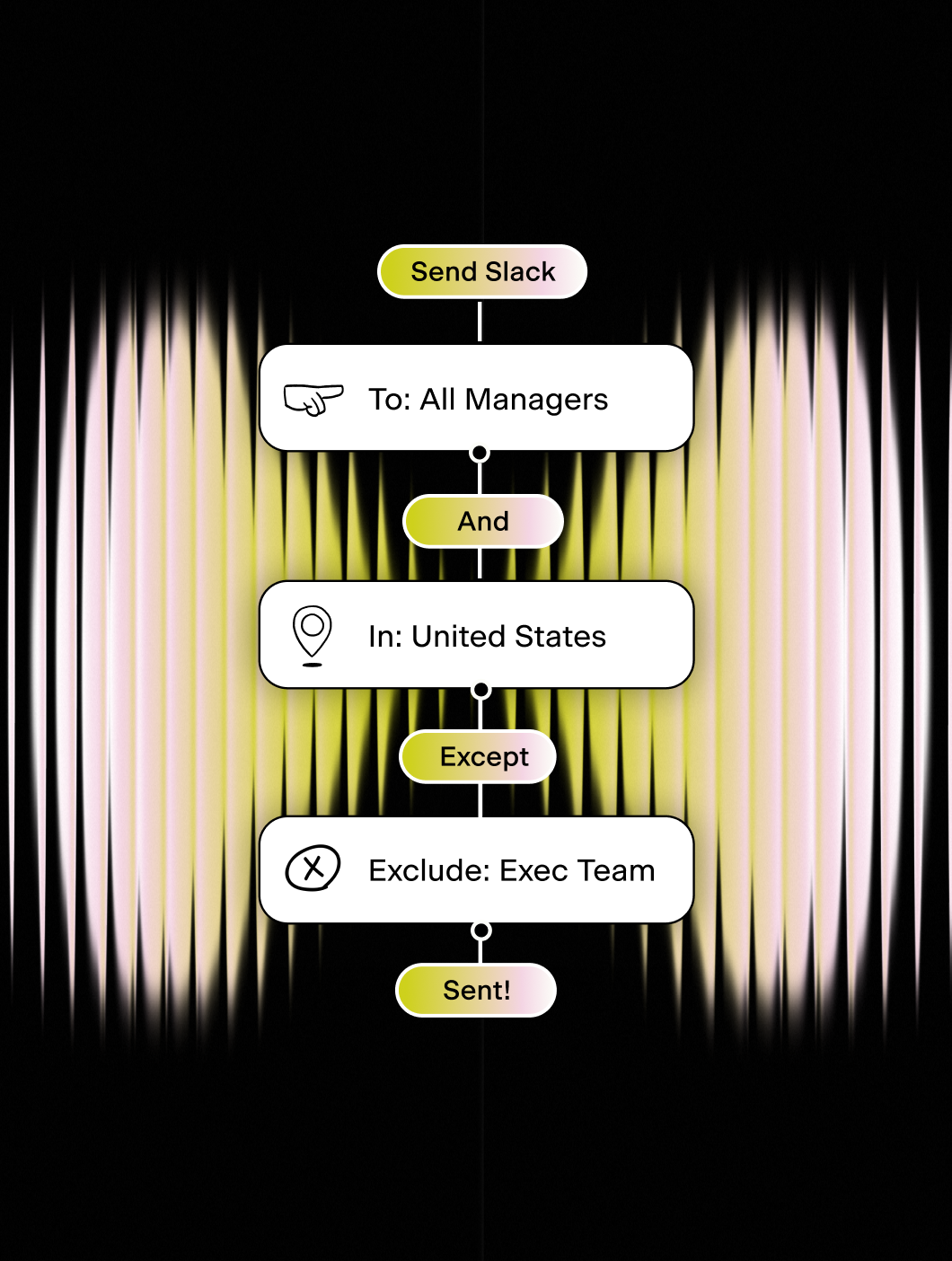
Ensure people engage with your communications
- Target specific groups of employees
- Add reminders
- Send to #channels
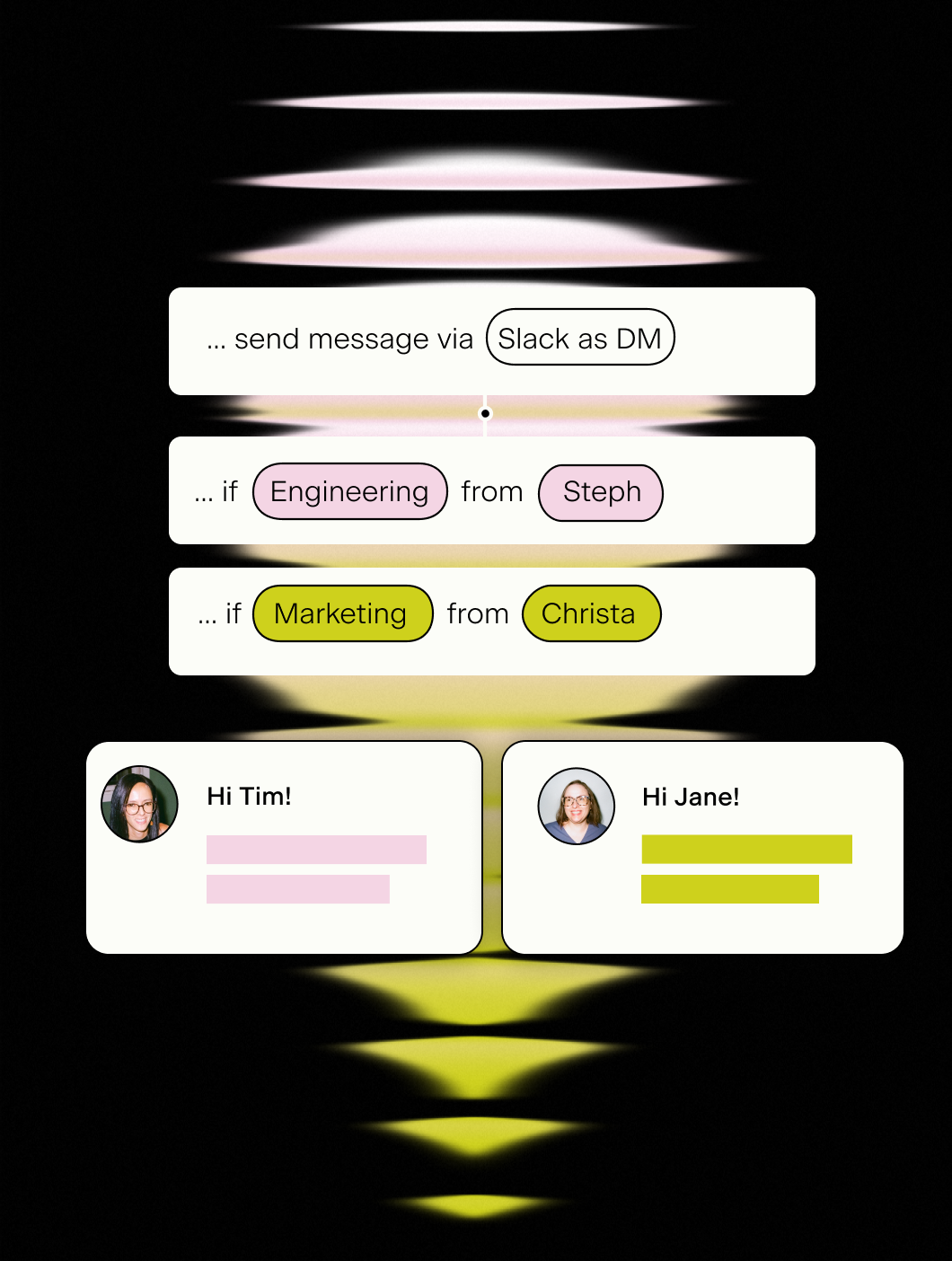
Personalize who the message is sent from
- Send Slack or Teams messages as DM from person
- Vary sender dependent on recipient's demographic
- Add custom Email domains

Beautiful, interactive, communications
- Embed videos, images and gifs
- Polls and forms
- Format style to be brand aligned
Sign into Pyn with Microsoft
Pyn supports single sign-on via Microsoft Azure Active Directory (also referred to as Azure AD or your AD account). Employees use the Microsoft credentials they already have. No separate password to create or remember.
How to connect
Does IT need to do anything for Microsoft sign-in to work?
Yes, once. An IT admin needs to log into Pyn via Microsoft and approve org-wide access. If your organization restricts app access, IT may need to allowlist the Pyn login URL first. After that, no ongoing IT involvement is required.
FAQs
Does Pyn support Microsoft Azure AD sign-in?
Yes. Employees can sign into Pyn using their existing Microsoft Azure AD (Active Directory) accounts.
Is Pyn secure?
Pyn is SOC 2 compliant. It only accesses what it needs to authenticate users. Nothing more.
Does Pyn also support Okta or Google sign-in?
Yes. Pyn supports sign-in via Okta, Google, and Microsoft. Use whichever matches how your organization manages identity.
Your HR stack, with superpowers.
Pick the tools you need. Launch in a day. Cancel anytime.