 Free
FreeEmployee Journey Map for Google SSO Teams
Map every moment that matters, together, without the sticky notes.
Top brands trust Pyn





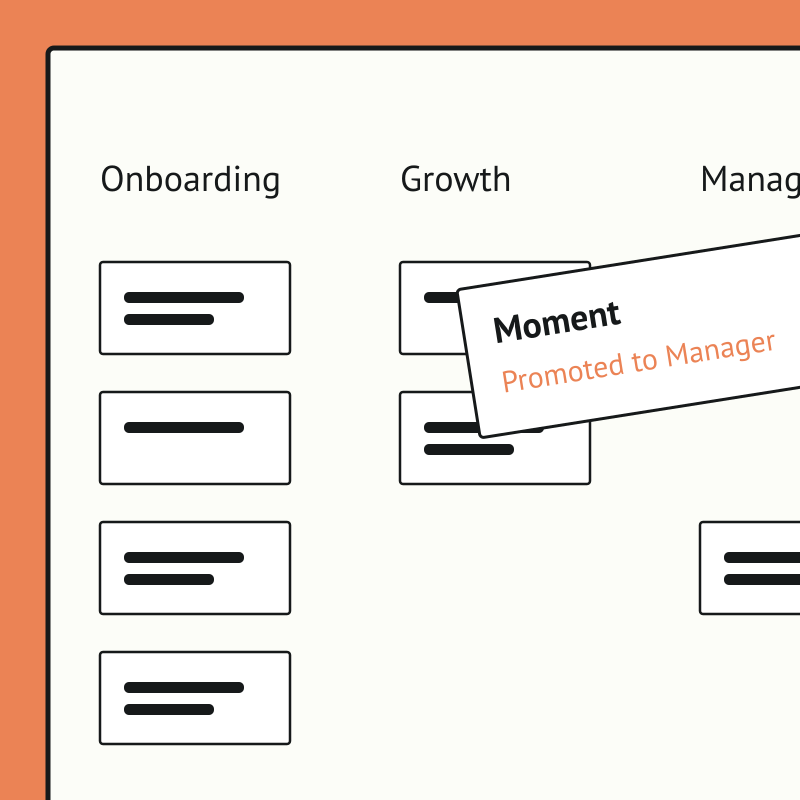
Pyn's free Employee Journey Designer turns a daunting, whiteboard-and-sticky-notes exercise into a fast, collaborative map of every moment that matters, from before day one to after the last day. Teams start from hundreds of ready-made moments and touchpoints rather than a blank page.
Employee Journey Map is free, and it runs standalone for now — you can start using it today by uploading your own people data. If there's enough interest we'll build a direct Google SSO integration so it syncs automatically. Book a demo and we can cover it.
The payoff is clarity and alignment. People teams can see the whole experience, prioritize what to improve, assign owners, and get cross-functional buy-in, so effort goes where it lifts the experience most.
Sign into Pyn with Google
Pyn supports single sign-on via Google Workspace. Employees use the Google account they already have. No separate password to create or remember.
How to connect
Does IT need to do anything for Google sign-in to work?
Yes, once. An IT admin needs to log into Pyn via Google and approve org-wide access. After that, no ongoing IT involvement is required.
FAQs
Does Pyn support Google Workspace sign-in?
Yes. You can sign into Pyn using your existing Google Workspace accounts.
Is Pyn secure?
Pyn is SOC 2 compliant. It only accesses what it needs to authenticate users. Nothing more.
Does Pyn also support Okta or Microsoft?
Yes. Pyn supports sign-in via Okta (SAML 2.0), Microsoft, and Google. Use whichever matches how your organization manages identity.
Your HR stack, with superpowers.
Pick the tools you need. Launch in a day. Cancel anytime.