 Free
FreeTeam Sentiment for Dayforce Teams
How's the team, really? A free two-minute weekly check-in, inside Slack.
Top brands trust Pyn



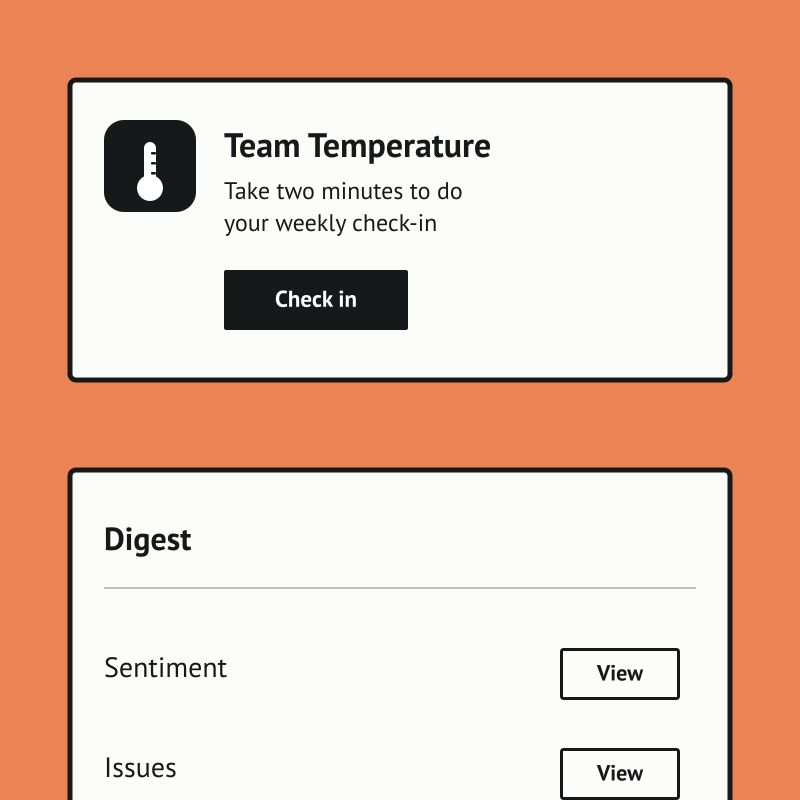
Team Temperature is a free, Slack-native weekly check-in that tells people teams and managers how the team is really doing. A two-minute DM captures a morale score and a few comments, with no portal, password, or extra tab, so the habit actually sticks.
Team Sentiment is free, and it runs standalone for now — you can start using it today by uploading your own people data (exported from Dayforce, for example). If there's enough interest we'll build a direct Dayforce integration so it syncs automatically. Book a demo and we can cover it.
The payoff is an early, trustworthy signal instead of a once-a-year survey. Managers get a weekly digest with trends and per-person comments, optional AI flags the answers worth attention, and HR sees company-wide pulse and teams to watch.
Features Spotlight
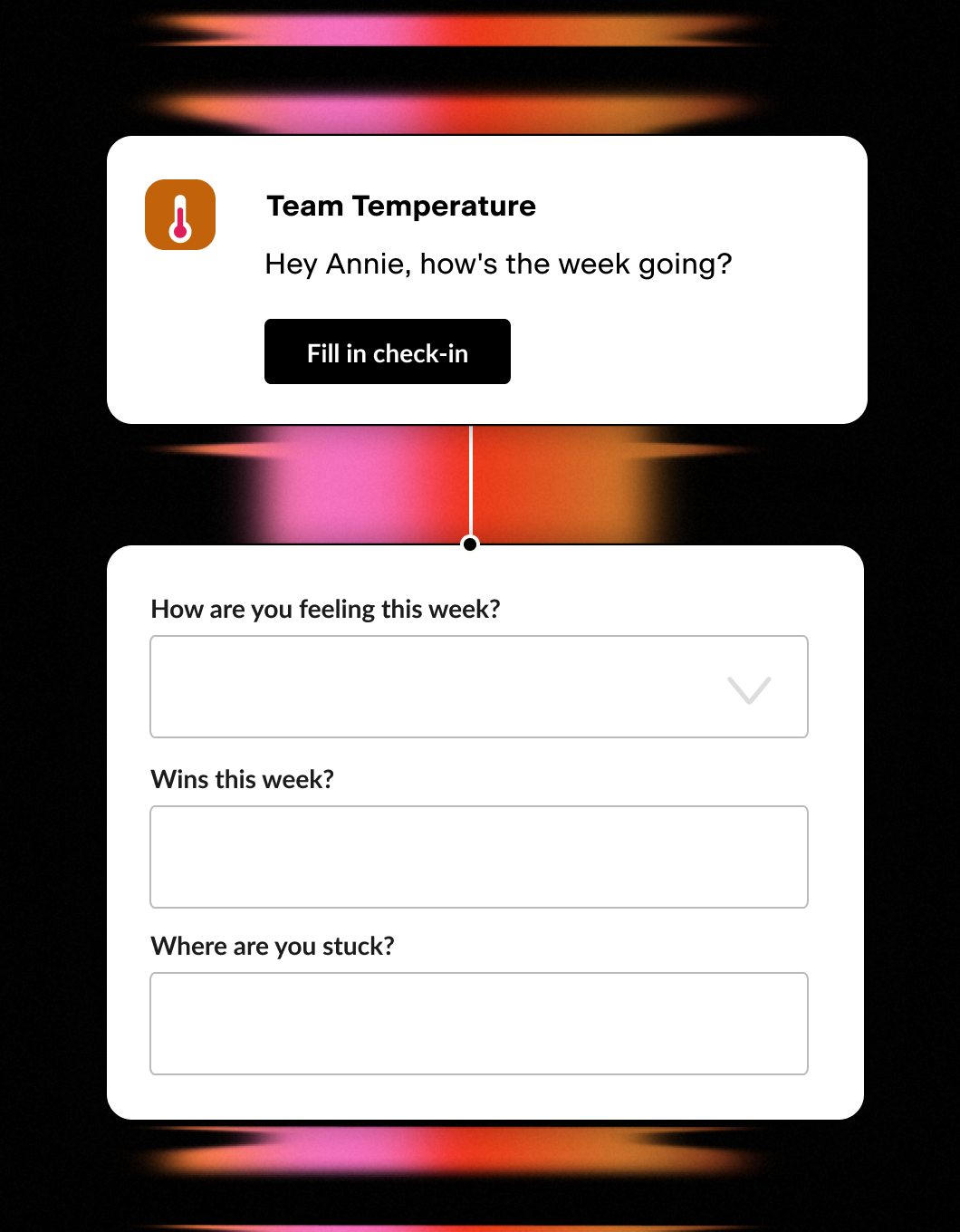
Weekly Two-Minute Poll
- One quick Slack DM a week
- Morale score plus a couple of questions
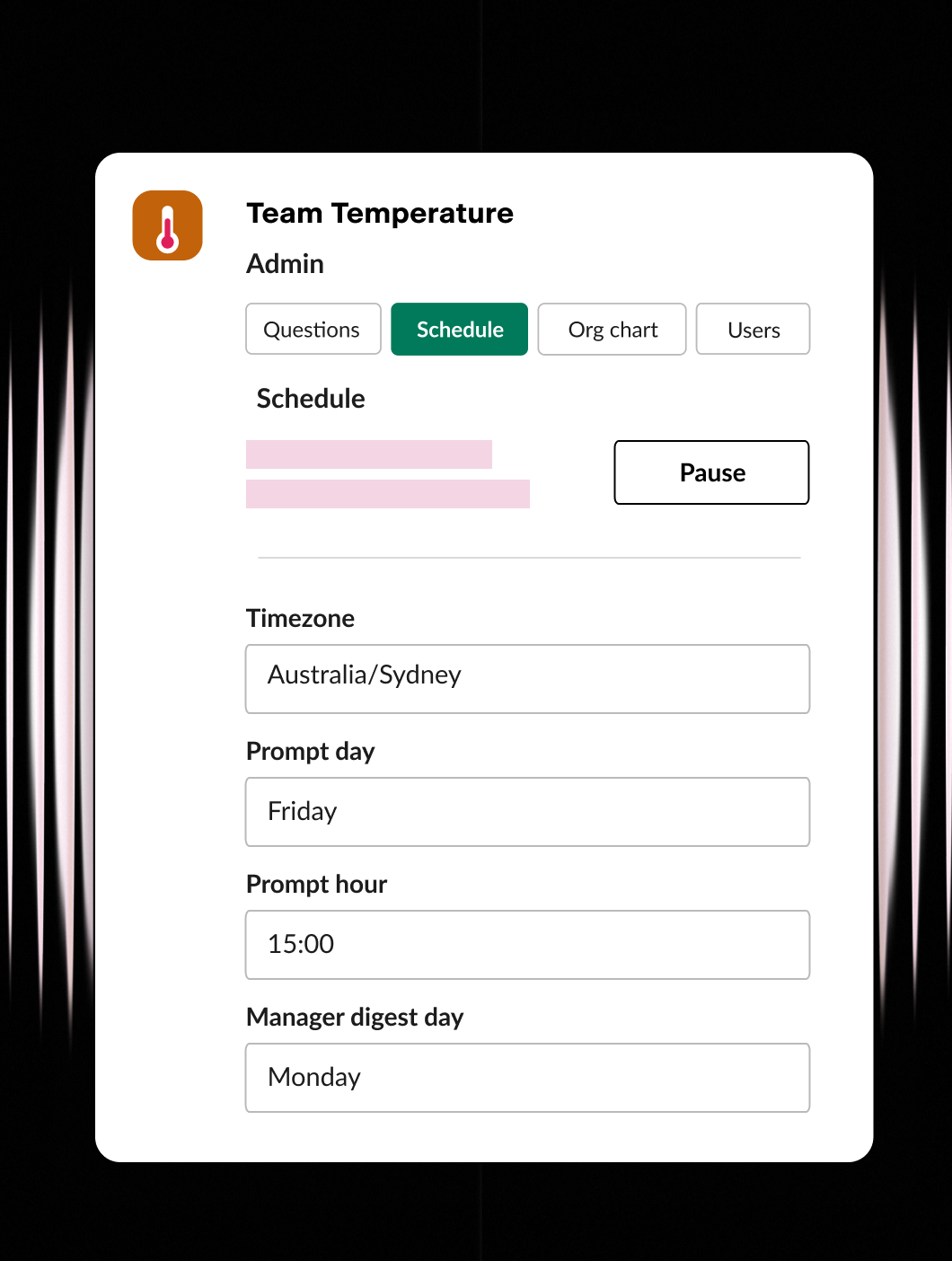
Set it up your way
- Ask the questions that matter
- Set the day, time, and timezone
- Configure users and org chart
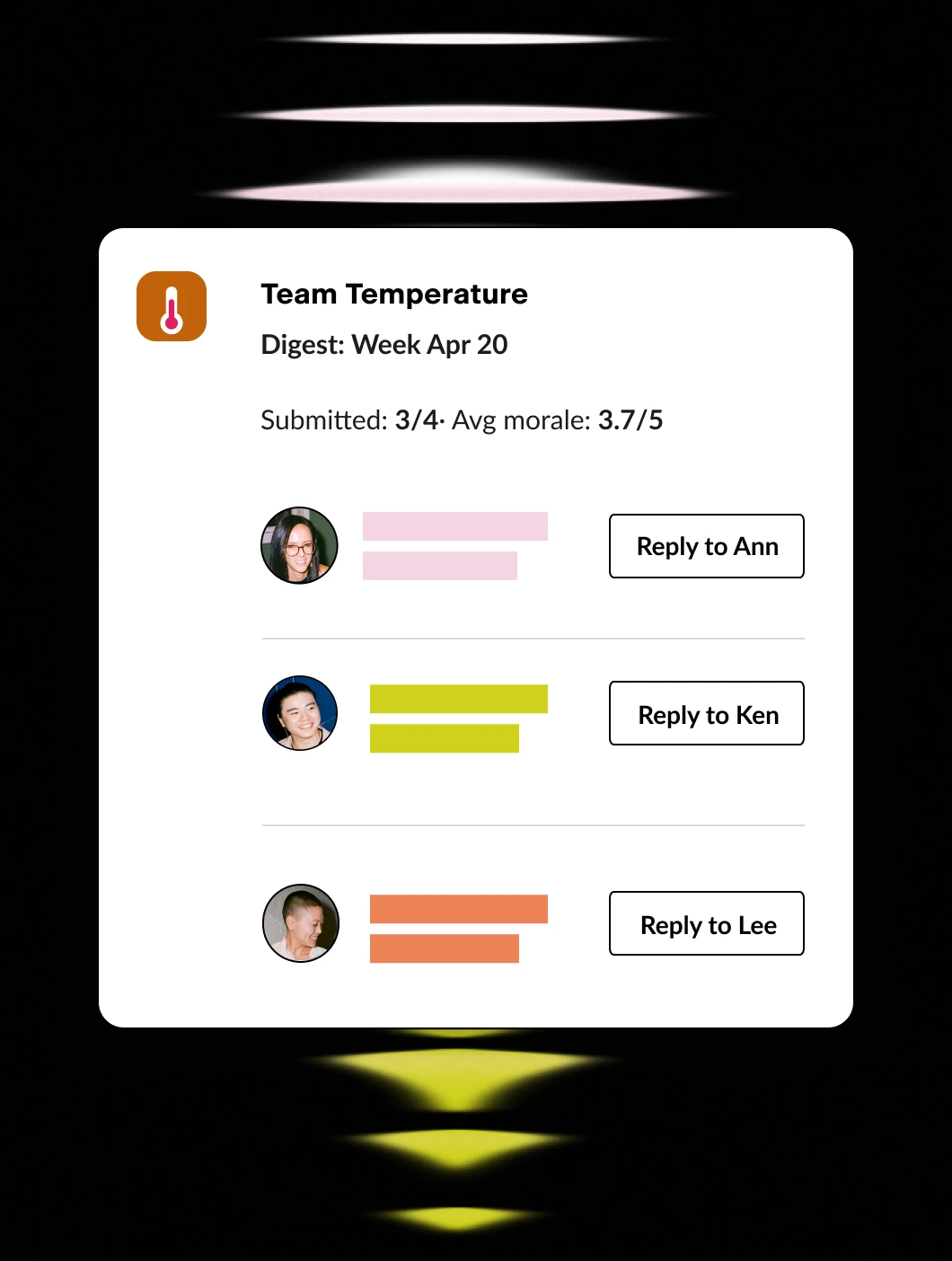
Stay in the know
- Weekly digest for managers
- One-click reply to anyone
- Company-wide rollups for HR / CEO
Your people data is in Dayforce. Pyn puts it to work.
Dayforce knows when someone starts, gets promoted, changes teams, or hits their anniversary. Pyn uses that data to:
- Send timely messages to the right person - through Slack, email, or Teams.
- Send polls and forms - like probation checks or onboarding buddy selection.
- Automate integrations - like adding people to a Calendar invite or Slack group.
- Set your HR Calendar - to manage salary reviews, holidays or company events.
No manual emails. No spreadsheets. No one has to remember.
Why connect Pyn and Dayforce?
Automate the repetitive stuff. New hire starting Monday? Pyn sends the welcome sequence, nudges the manager, loops in IT, and assigns a buddy. You choose which Dayforce fields to import, and Pyn can trigger off any of them.
Make messages feel personal. Pyn tailors content by department, location, and role — so a new sales hire in Chicago and an engineer in London get different experiences. Messages come from their actual manager, not a generic HR address.
Cover the whole lifecycle. Onboarding is just the start. Pyn also handles things like promotions, anniversaries, parental leave returns, and offboarding — or any other moment driven by a change in Dayforce.
Keep managers in the loop. When someone joins their team, Pyn sends prep reminders, check-in prompts, and conversation starters: through Slack, Teams, or email, wherever they actually work.
How to connect
Does Pyn integrate with Dayforce?
Yes. Pyn connects to Dayforce via a service account. Your Dayforce admin handles a short setup, and Pyn guides you through every step.
What data syncs from Dayforce?
Employee directory details (email, division, location, department), start and termination dates, job information, etc. You control which fields are active in Pyn.
Does setup require IT involvement?
Your Dayforce admin will need to create a service account with the right permissions — about 10 minutes of work. After that, Pyn handles everything on its end automatically.
How often does data sync?
Hourly. Pyn checks for changes every hour so your automations always reflect current data.
FAQs
Can I personalize messages by department or location?
Yes. Pyn uses any Dayforce field to tailor content. You can show or hide sections based on role, location, team, or anything else in your HRIS.
Does Pyn only work for onboarding?
No. Pyn covers the full employee lifecycle — pre-boarding, onboarding, promotions, anniversaries, leave, offboarding, and more.
Where do messages get delivered?
Slack, Microsoft Teams, or email — wherever your people actually work.
Is my data secure?
Pyn is SOC 2 compliant. We only pull the data needed to trigger automations.
Your HR stack, with superpowers.
Pick the tools you need. Launch in a day. Cancel anytime.