 $1 / employee / month
Automated Moments Using Asana
Every moment that matters, handled with care and never missed.
Top brands trust Pyn




Pyn helps people teams deliver a consistent employee experience across the whole lifecycle, not just onboarding. Every moment that matters, from promotions and work anniversaries to parental leave and bereavement, gets handled with care and on time, so nothing important is ever missed.
Because Pyn connects to Asana, each step becomes a real task with an owner and a due date, populated with the employee's name, start date, and role. From there every message is personalized by role, team, and location, delivered where people already work — and nothing slips.
Instead of guessing where to focus, teams turn experience design into action and let it run automatically. The result is employees who feel supported at the right moments, and a team freed to work strategically.
Features Spotlight
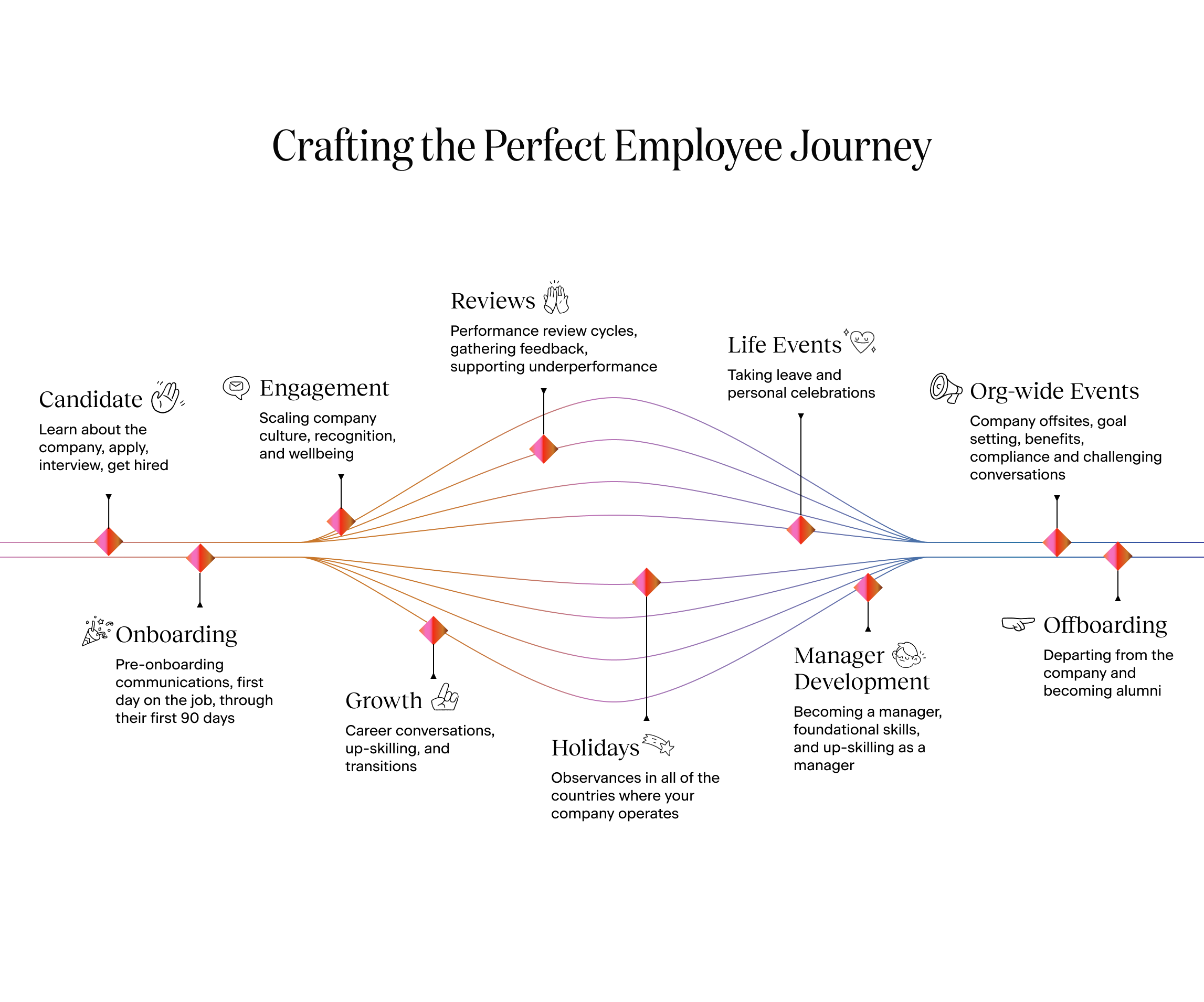
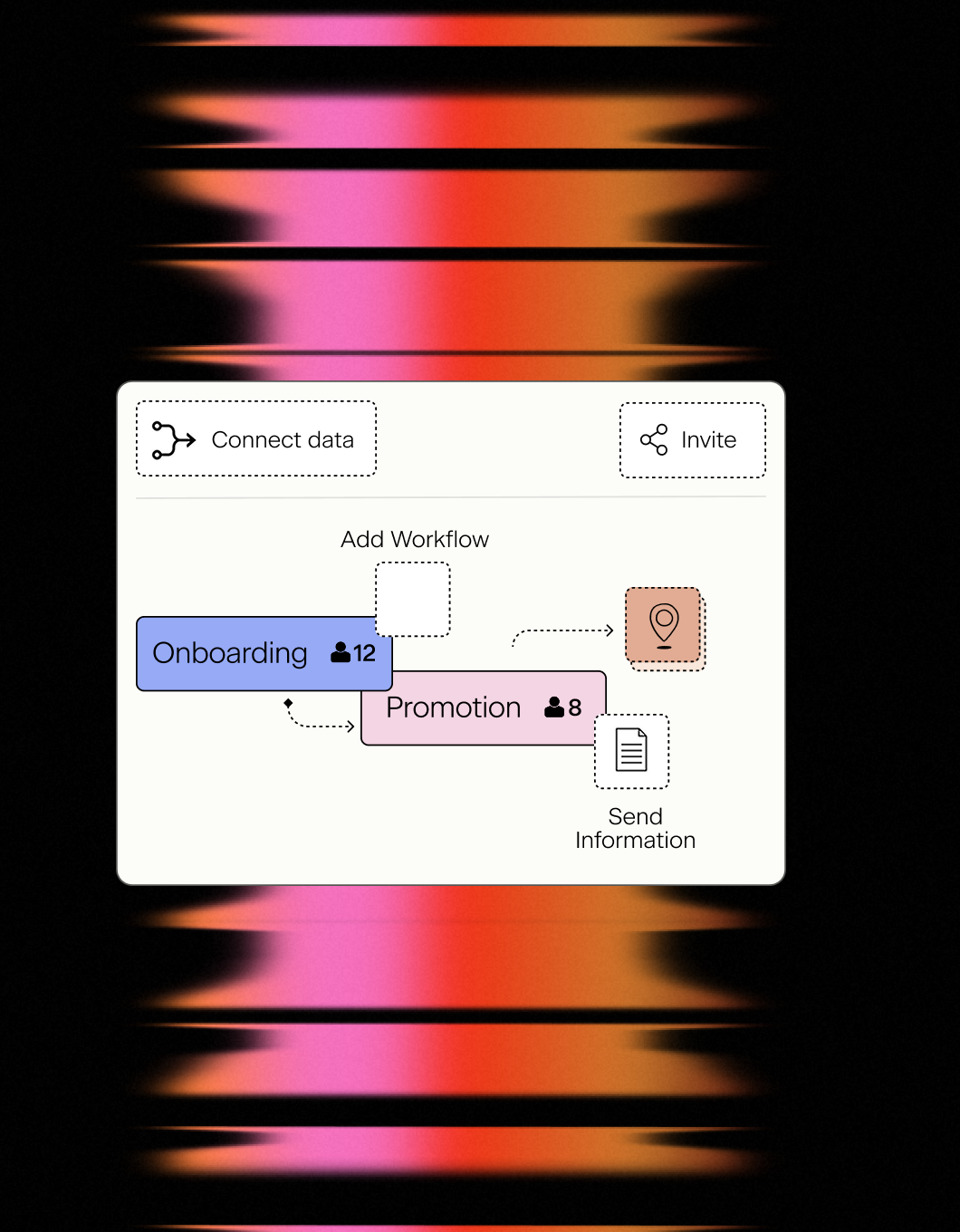
Turn Experience Design into Action
- Design all Moments in the Lifecycle
- Track how many people are currently experiencing a moment
- Turn on workflows and communications
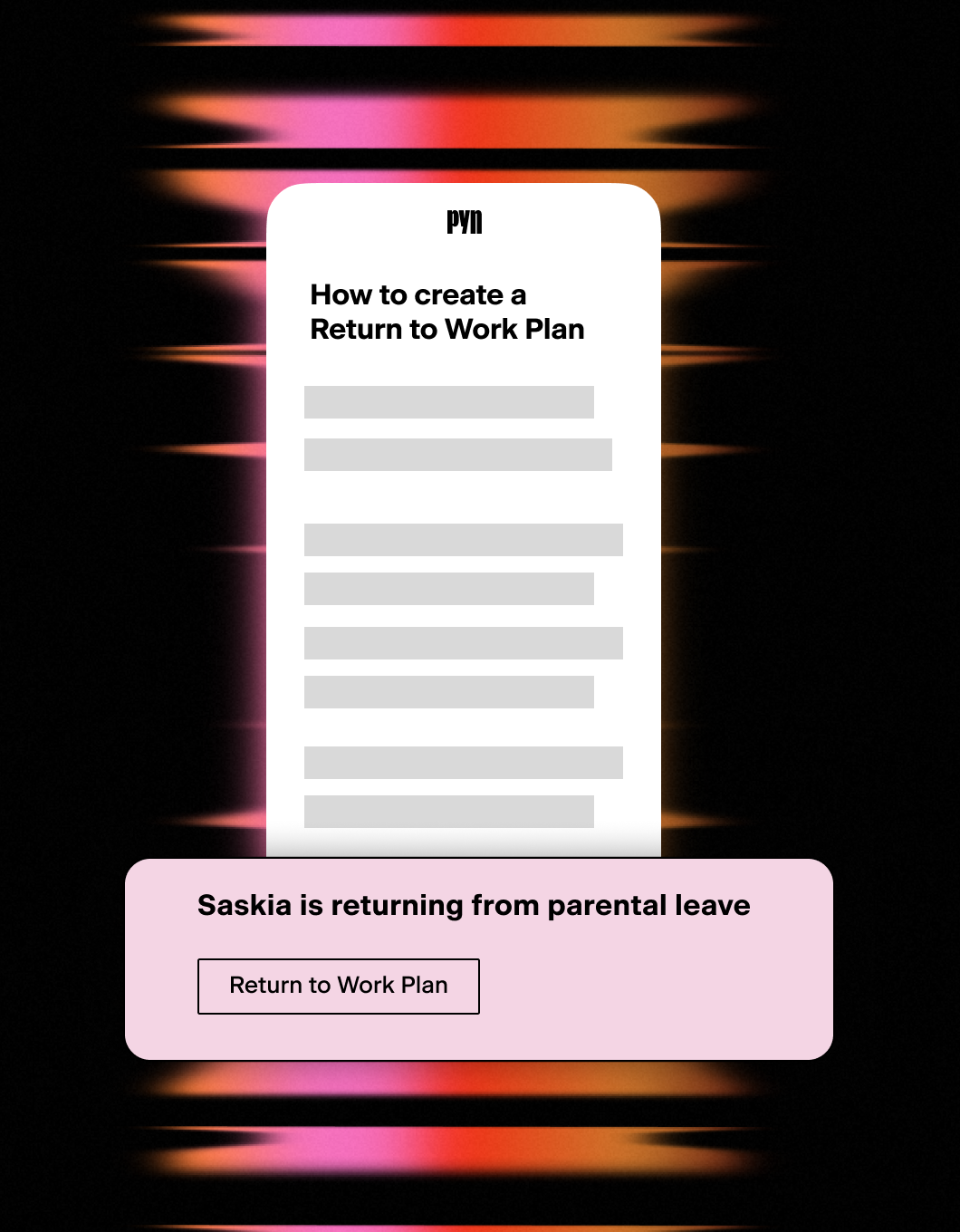
Handle personal events with care
- Parental leave support
- Milestones celebrations and promotions
- Bereavement and other challenging events
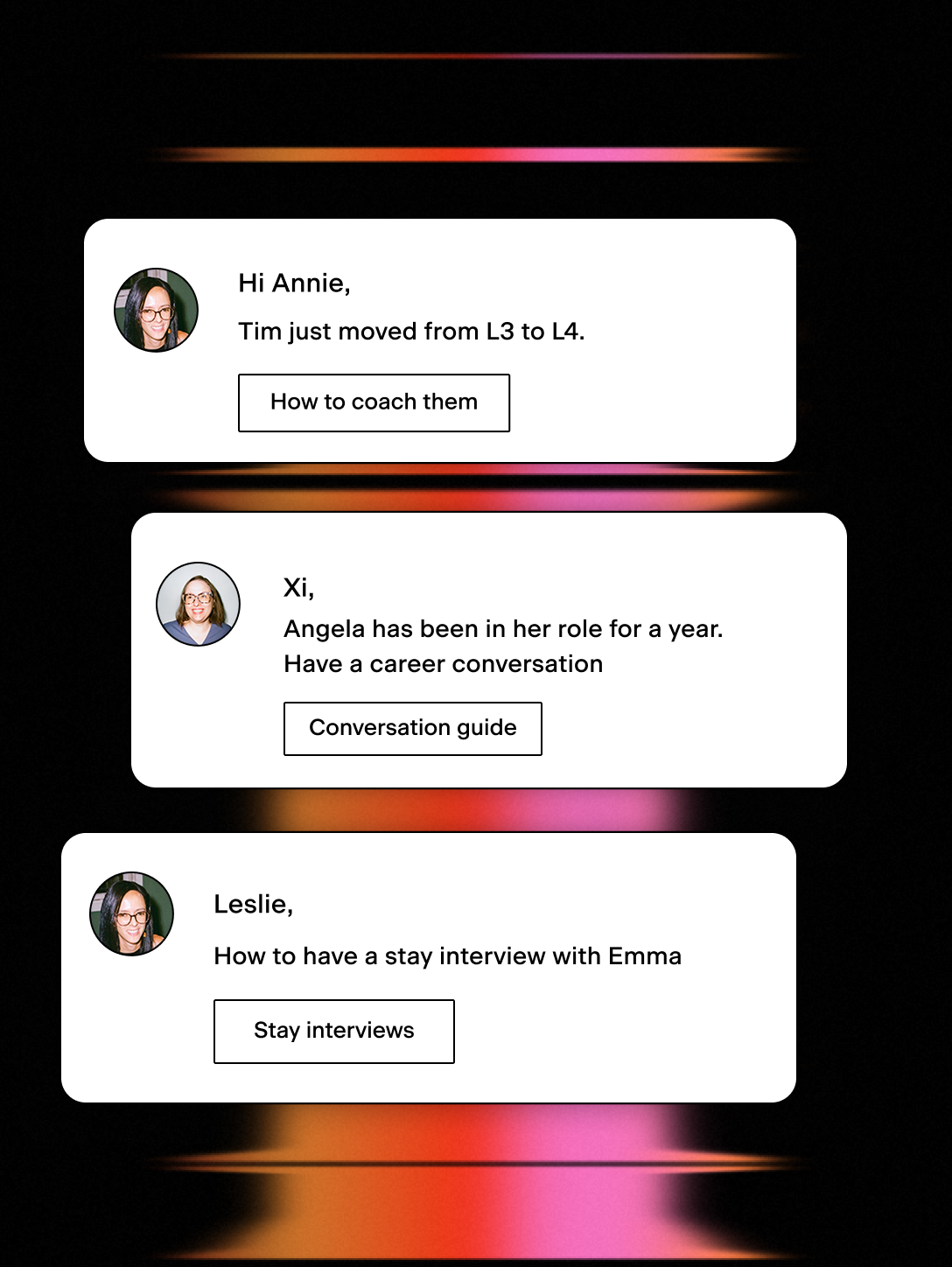
Timely nudges for better coaching and growth
- Timely nudges to have growth conversations and stay interviews
- Inform people about role level changes and growth opportunities
HR automation that doesn’t stop at HR.
Across the employee lifecycle, a lot needs to happen outside the People team. IT needs to provision accounts when someone joins — and revoke them when someone leaves. Ops needs to prep equipment for new hires and collect it from departing ones. Managers need to prepare for transitions on their team. Someone has to create those tasks.
Connect Asana to Pyn, and that someone is Pyn.
What it does
Pyn can send an automated message to your Asana project’s email address as a step inside any Flow. That message becomes a task in Asana with employee data tokens populating things like the new hire’s name, start date, role, and team automatically.
What you can automate
Onboarding setup — When a new hire is enrolled, create tasks for IT, Ops, and the hiring manager simultaneously — account provisioning, equipment prep, team introductions — each landing in the right Asana project with the employee’s name, start date, and role already filled in.
Offboarding and exits — When an employee’s departure is recorded in your HRIS, Pyn can trigger tasks for IT to revoke access, Ops to arrange equipment return, and the manager to initiate knowledge transfer. The same process, reliably every time.
Promotions and role changes — A promotion isn’t just a payroll update. Pyn can automatically create tasks to upgrade system permissions, update org communications, or set up any operational steps that come with a role change — triggered the moment the HRIS record is updated.
Manager transitions — When someone moves into a people management role, Pyn can create tasks for L&D to assign training, for HR to schedule a manager check-in, or for IT to update access levels — all as part of the same Flow that handles the rest of the transition.
How to connect
Does this require a direct API integration with Asana?
No. Pyn creates tasks by sending a message to your Asana project’s email address, using Asana’s own email-to-task feature. No API keys or OAuth connections are required.
FAQs
Can I include employee details like name and start date in the task?
Yes. Pyn tokens pull in employee data from your connected HRIS, so the task can include the new hire’s name, start date, job title, team, and more — as long as that data exists in your HRIS or ATS.
Can I create tasks in multiple Asana projects from a single Flow?
Yes. You can add multiple task creation steps to a single Flow, each pointing to a different Asana project email alias. One enrollment can trigger tasks for IT, Ops, and the hiring manager simultaneously.
Can I use this for automations other than onboarding?
Yes. Any Pyn Flow can include an Asana task step. You could trigger tasks for a new manager’s first week, a parental leave return, or any other lifecycle moment where cross-functional action is needed.
Does Pyn also integrate with Jira?
Yes. If your team uses Jira instead of or alongside Asana, Pyn can automatically create Jira tickets using the same approach.
Does Pyn also integrate with other tools in my employee journey?
Yes. Most teams pair Asana with their HRIS connection — which provides the employee data that determines when Flows trigger — and their Slack or Microsoft Teams connection for message delivery.
Your HR stack, with superpowers.
Pick the tools you need. Launch in a day. Cancel anytime.